
Prospect with a prompt.
Outbound in a click.
Clarify's sales agent finds the right leads, writes personalized outreach, and sends targeted campaigns. All you have to do is ask.
Stop stitching. Start selling.
You juggle five tools to run outbound. It's slow, expensive, breaks constantly, and lives outside of your CRM.





Leave it to



Your next deal starts with the right leads
Generate targeted lists from our database of 100M+ enriched prospects. Just ask.

Joaquin Gana
Co-founder and CEO @ Skyward AI
“When I tried Lead Finder for the first time, I had a genuine holy shit moment.”
Outreach that sounds like you
Personalized, multi-step campaigns with a prompt. Just edit and send.

Scott Kveton
CEO @ CaseMark
“Campaigns are mind-blowing. Told it to re-engage contacts we hadn't talked to in 3 months — it built the whole thing. Woke up to 186 emails sent, 50%+ open rates, and 5 demos. F**k yeah.”
From prospect to closed won
Deals detected, created, and updated from your campaigns. All you need to do is sell.

Lucy Wang
Co-founder and CEO @ Pocketflows
“Clarify eliminates 5 hours of admin work a week for us.”
Frequently asked questions
Related Resources
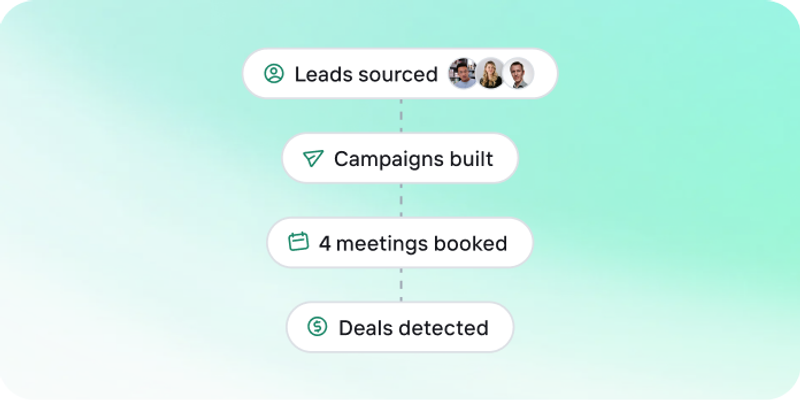
Identifying your ICP: a guide for startups
Your ICP isn't something you guess upfront — it's built from real sales patterns. A guide to defining (and evolving) who you should actually be prospecting.
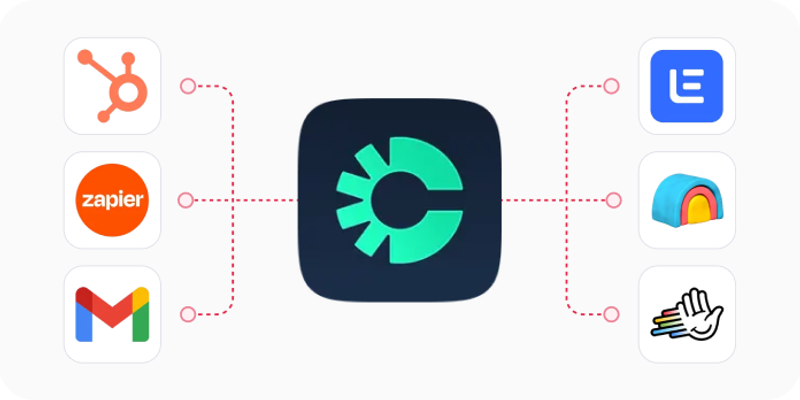
CRM data enrichment: a practical guide for sales teams
Manual enrichment doesn't scale. Why automated, CRM-native enrichment is what actually gives reps the context to work a lead list.

Cold email templates by sales stage
Generic templates don't convert. Real examples of cold email tone, personalization, and follow-up cadence by sales stage.