
AI-native CRM
A CRM that runs itself so your team can sell.Many CRMs have bolted-on AI features, like an assistant or a writing tool that sits on top of a system that still depends on manual data entry and maintenance. But with an AI-native CRM, AI is a central integral feature. AI creates and maintains records and reports so sales reps can focus on selling.
Startups and VCs running CRM on autopilot
What is an AI-native CRM?
An AI-native CRM is customer relationship management software designed around AI. Legacy CRMs began as manual-entry databases, and their newer AI features are add-ons. But for AI-native CRMs, these functionalities are baseline.
AI CRMs read email and calendar activity, write updates to the CRM, maintain data, and generate reports. Users can query the CRM in plain language and get answers like which deals in the demo stage haven’t moved in two weeks, or how this quarter’s pipeline compares to last quarter’s.
Clarify is a full-stack, AI-native CRM. Once a team connects email and calendar, Clarify matches each conversation to the right contact and deal. Clarify’s AI agent, Rep, keeps those records up to date and builds a report whenever someone asks for one. As a result, Sales and RevOps teams spend far less time maintaining the CRM.
How Clarify’s AI-native CRM automates recordkeeping
Connect your email and calendar, and Clarify will start building your contacts and deal history right away. You do not need to import a spreadsheet or perform field-by-field setup to get started.
How activity becomes CRM records
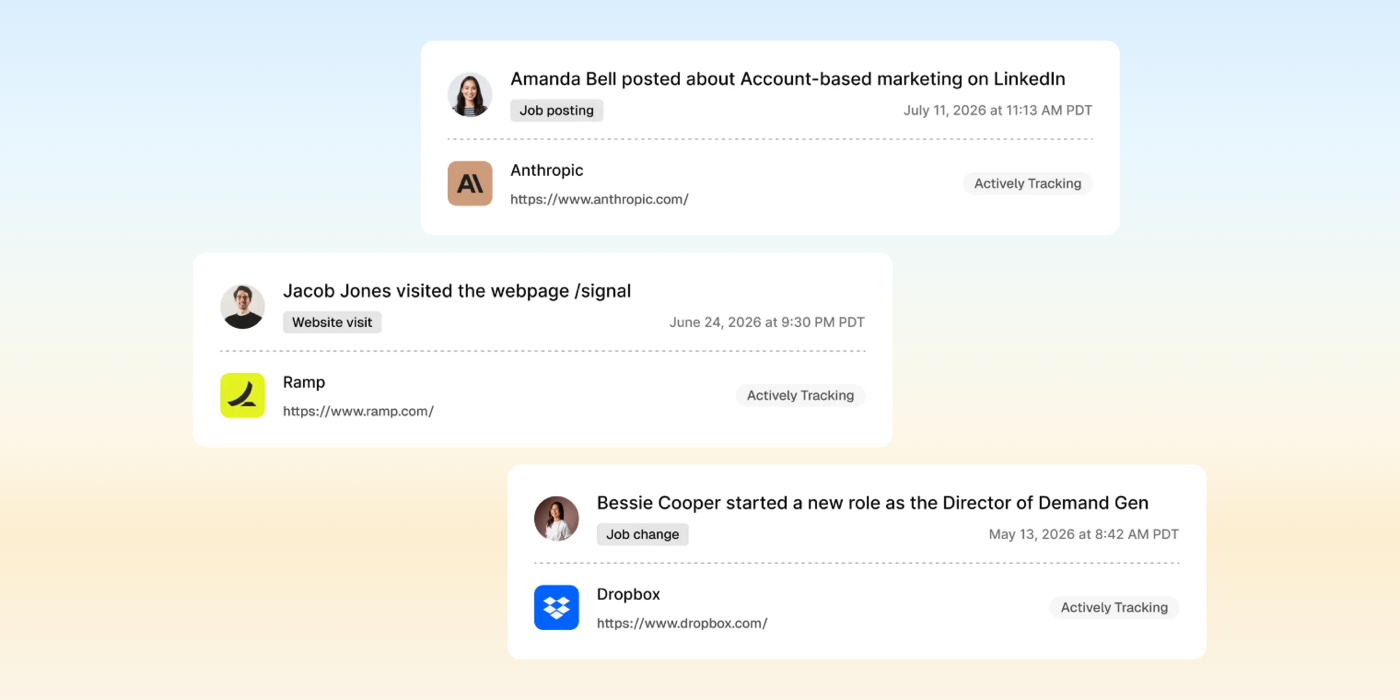
Clarify reads each email and meeting and maps it to the right contact and opportunity, so every conversation lands where your team expects to find it.

What the system updates automatically
Clarify’s Rep writes meeting summaries and next steps, then moves deals through your pipeline stages as conversations progress.

Controls for data quality
Rep drafts follow-up emails, but nothing sends until you review and approve it. Clarify’s agents can only view and edit the records each user already has access to.

Why teams replace legacy CRMs
Cut the admin work
Rep captures email and calendar activity and updates records in the background, so reps stop logging, and RevOps stops chasing missing data.
Replace several tools with one system
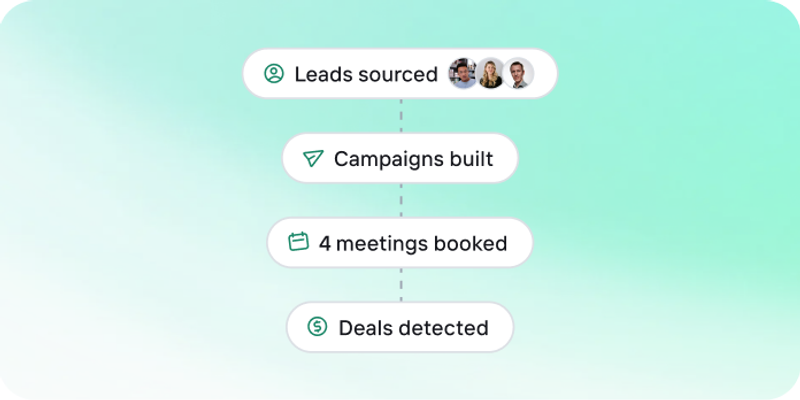
Prospecting, enrichment, outbound, call notes, and reporting live in one CRM, so teams outsell bigger teams with fewer tools.
Get answers without building dashboards
Ask Clarify’s Rep a question in plain English and get a report or live dashboard back without using filter menus or ops-built views.
Catch stalled deals before they slip
Clarify’s Rep flags deals with no next step and drafts the follow-up with full context.
Shape the CRM around your business
Clarify’s Rep builds custom objects and workflows on request, so the CRM fits your process without a developer or admin project.
Safely work from Claude or ChatGPT
Connect Clarify to Claude or ChatGPT and ask about your pipeline or update a deal without opening Clarify. The assistant will only access what your Clarify permissions allow.
Works with the tools your team already uses
Native integrations and MCP for the tools worth keeping. And when you’d rather not open Clarify, talk to it from Claude, ChatGPT, Cursor, or Slack.
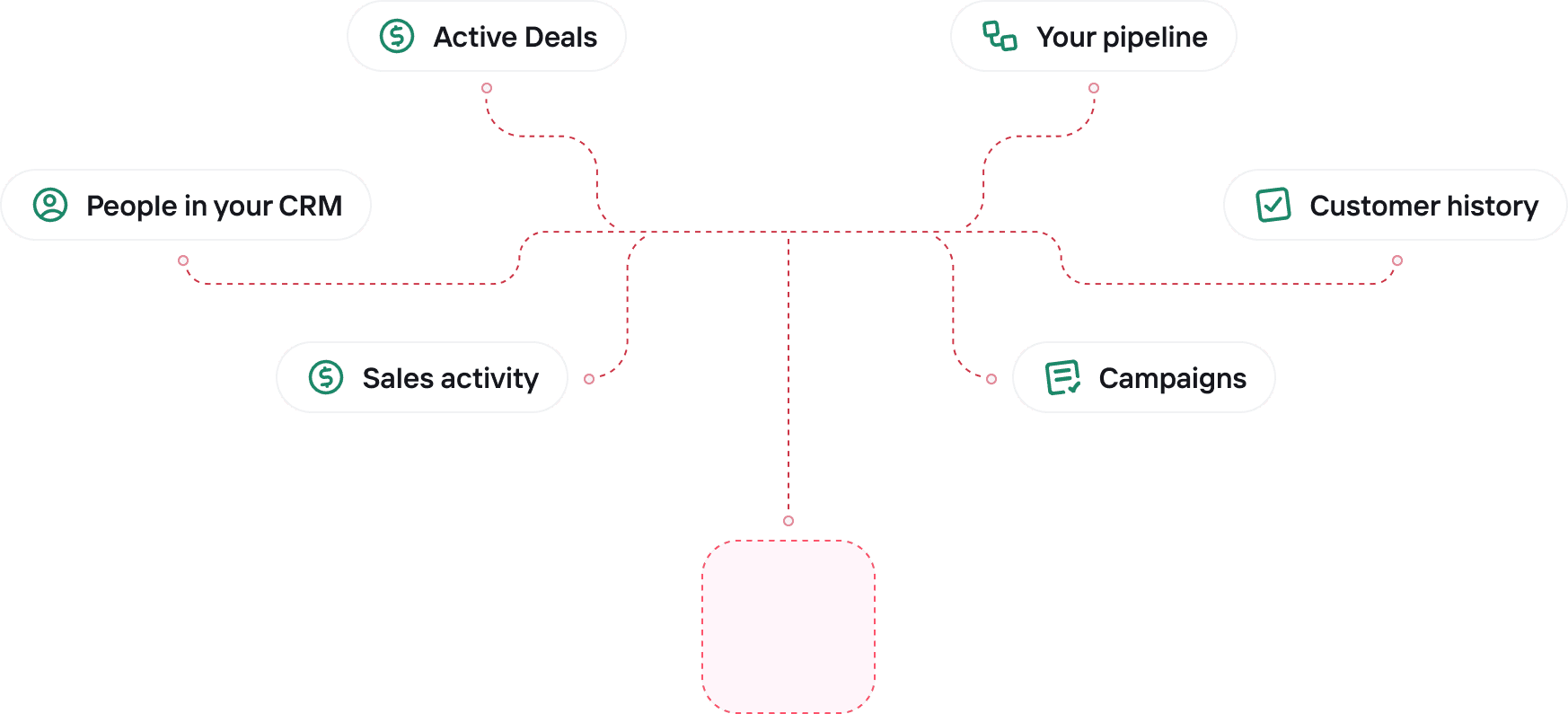
 Active Deals
 People in your CRMSales activity
 Your pipeline
 Customer history
 Campaigns















“Rep has become the “AI of our company.” It’s at the point where it knows more about us than I do after 16 years!”

AI-native CRM FAQ


Get a CRM that runs itself.
Connect your email and calendar, and Rep starts keeping your CRM up to date.