Hey there, I‘m Rep!
I answer questions, update records, and build whatever you need to close deals faster. All you have to do is ask.
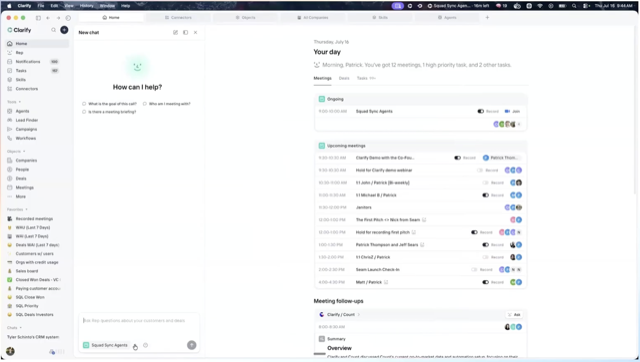
“It’s like having a salesperson without making a hire — and Rep doesn’t take commission.”
Colin Green, Founder at BubbleGum BI

Put me to work
Give me tasks. Save the ones you repeat as /skills.
Ask Naturally
Type what you need in plain language.

Rep does the work
Rep researches, builds and drafts everything end-to-end.

Approve
Review the results and approve when you’re ready.

Save
Save it as a skill and run it again with a simple slash.

I can build anything you need for sales
Agents to automate repetitive work, reports to visualize your data, outbound campaigns to reach leads, and more.
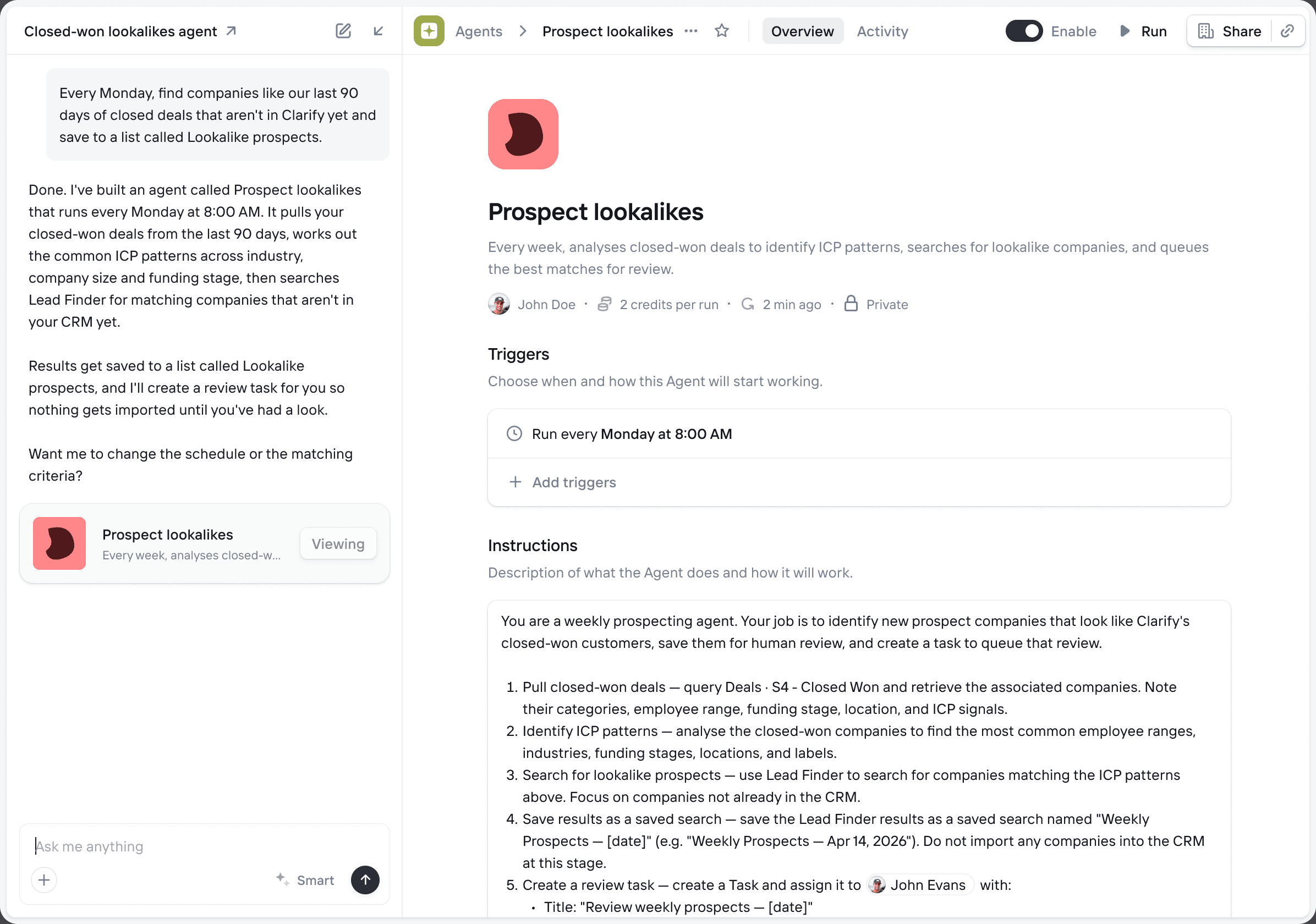
Agents
Give me a task and I’ll build an agent to handle it.
Reports
Static reports or live dashboards from your CRM data.

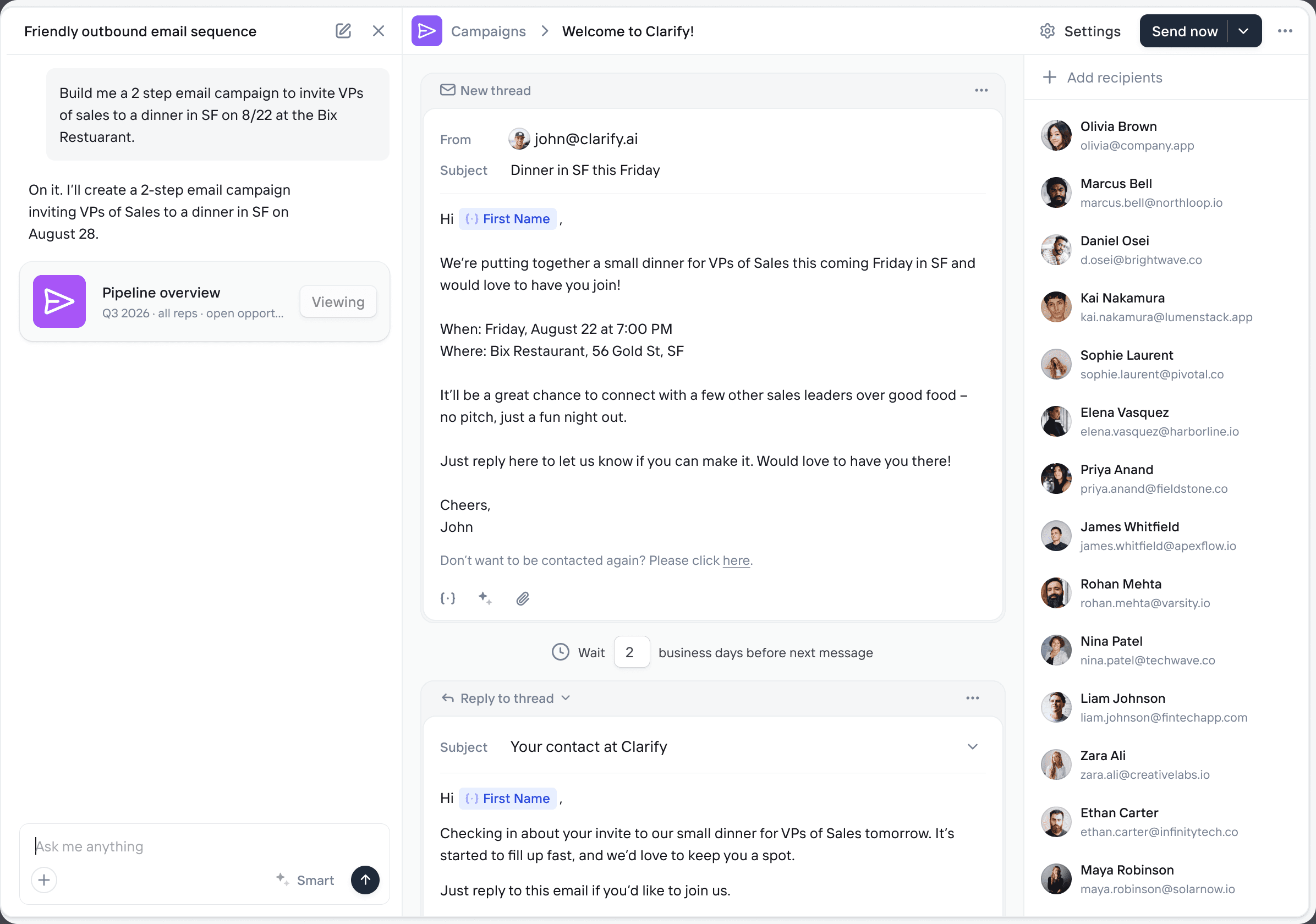
Outbound
Find, engage and convert prospects on autopilot.
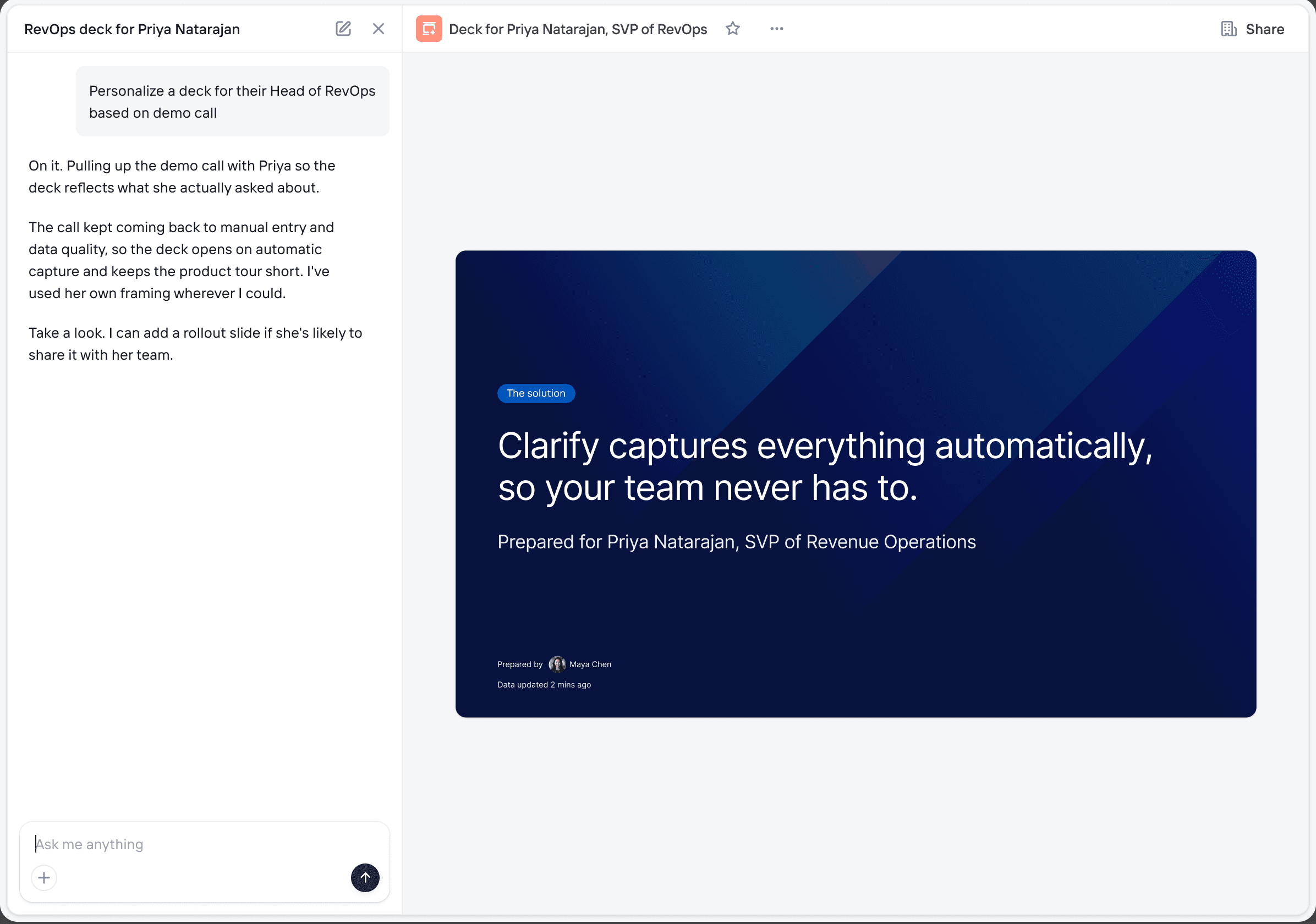
Decks
Decks personalized to what each buyer said on the call.
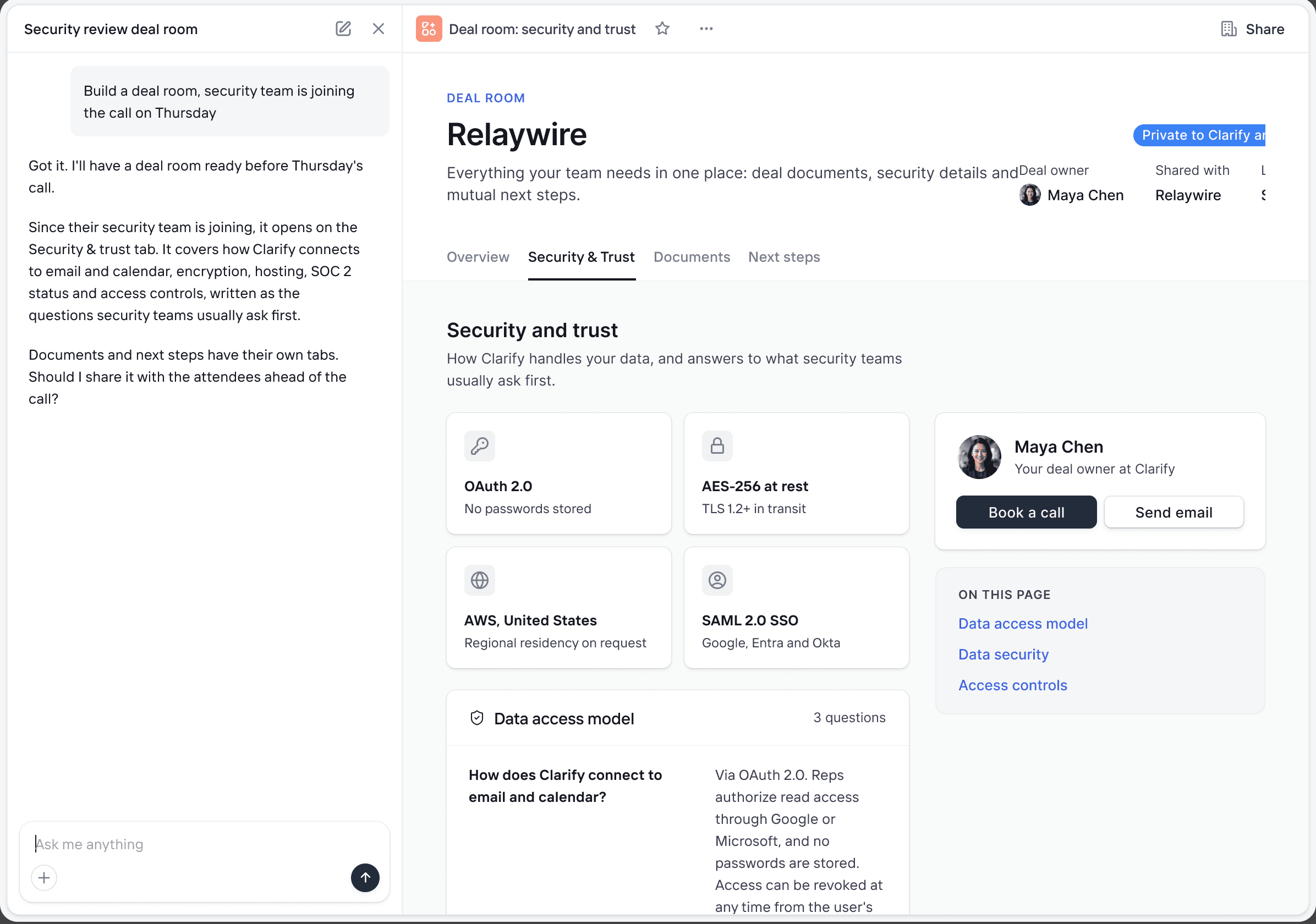
Deal rooms
Documents, security answers and next steps in one place.
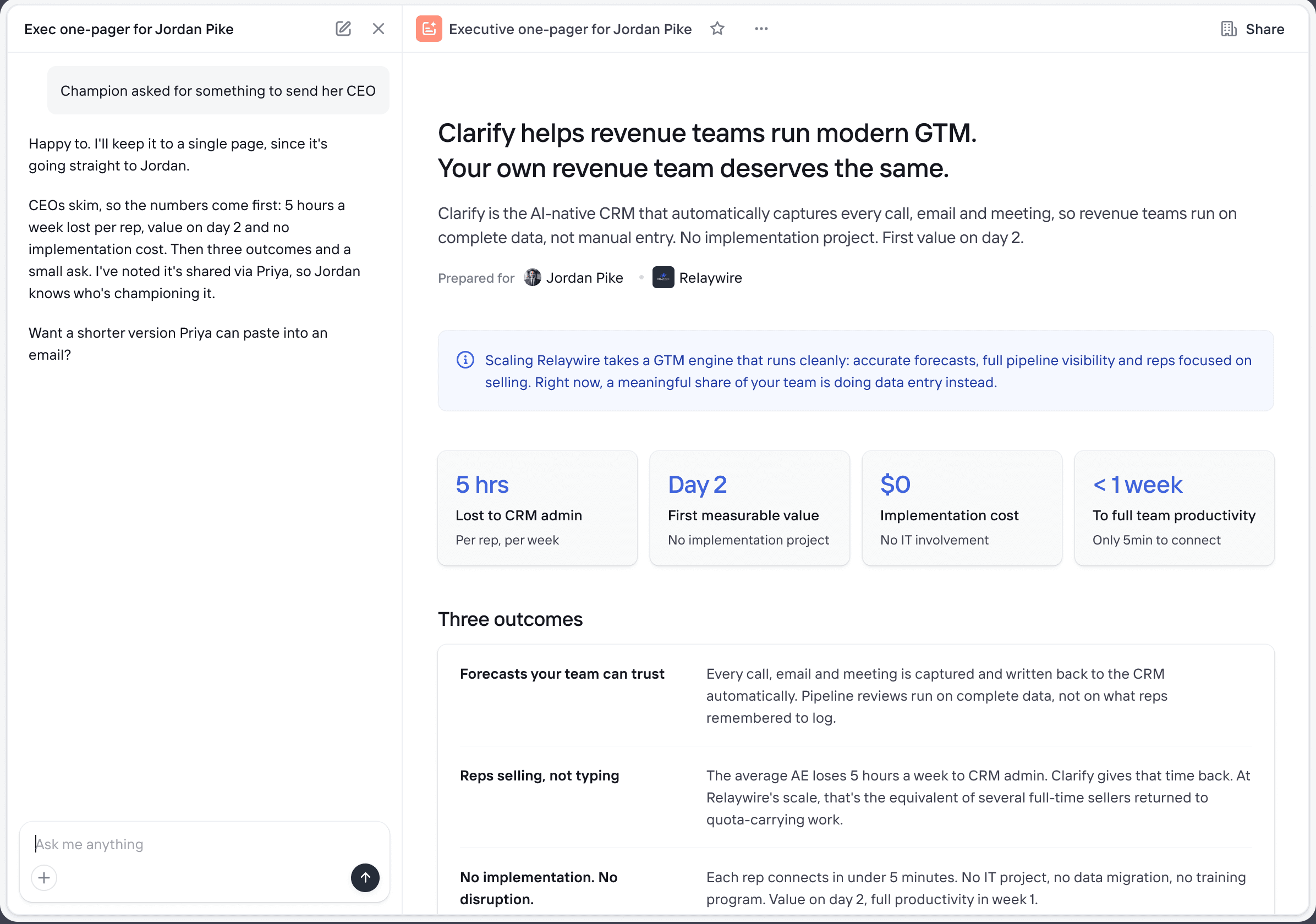
Documents
One-pagers and proposals, written from deal context.

The more I know, the better I perform
Connect the rest of your stack so I can work across it
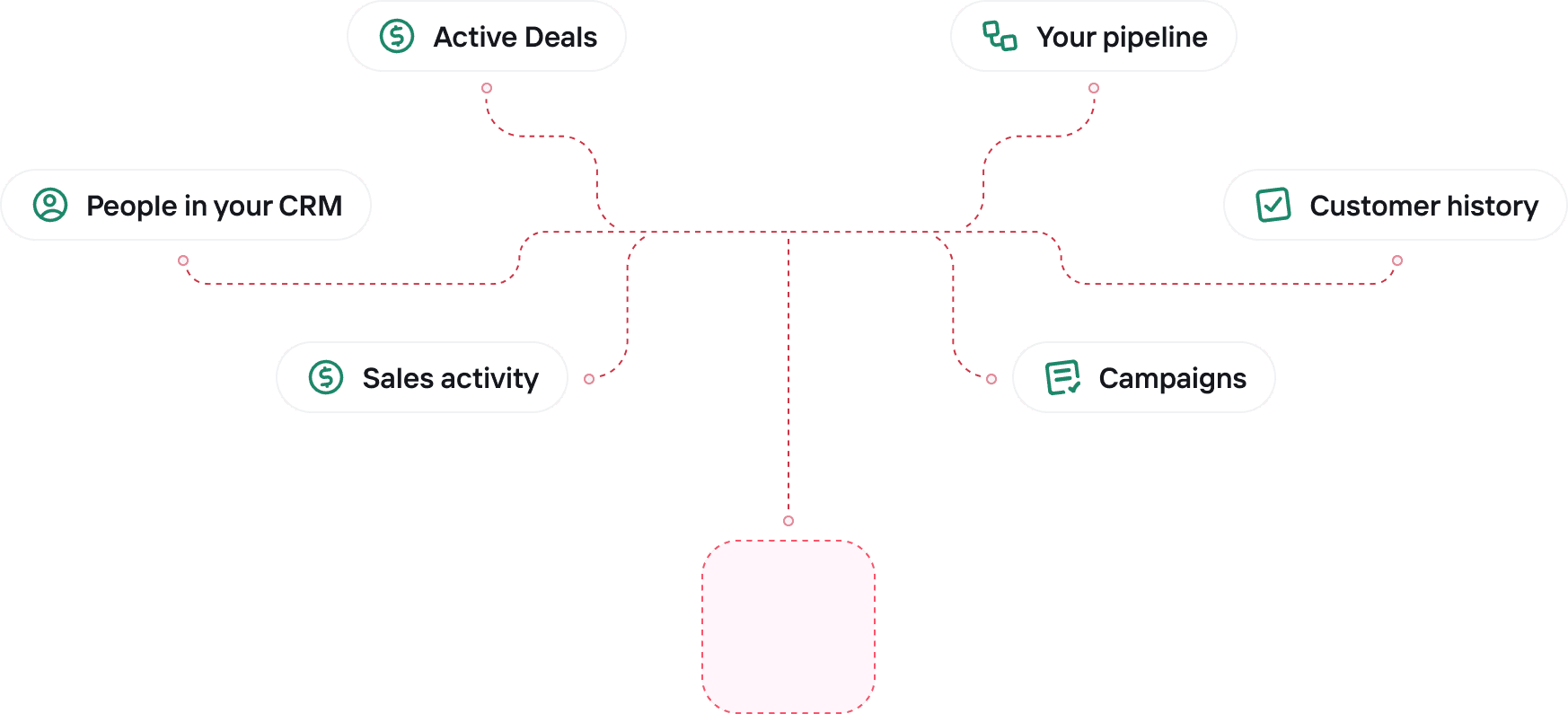
 Active Deals
 People in your CRMSales activity
 Your pipeline
 Customer history
 Campaigns












More connections coming soon
I also work headless
Don’t want to open my chat window? Point your own Claude, ChatGPT, or Copilot at Clarify over MCP, same brain, no ego



Talk to Rep from anywhere

“Rep has become the “AI of our company.” It’s at the point where it knows more about us than I do after 16 years!”

Related Resources

Discovery call questions that move B2B deals forward
The right discovery questions qualify deals faster and keep them moving instead of stalling in your pipeline.

Sales follow-up emails: how to write them, when to send, what to include
Most deals die from a missed follow-up, not a bad pitch. Get the timing, subject lines, and CTAs that keep deals active in your pipeline.
The sales cycle, stage by stage: where it breaks and how to fix it
A stage-by-stage breakdown of where pipelines actually stall, and how a structured, well-maintained CRM keeps deals moving predictably.
Frequently asked questions
Never feel lost again
I answer questions, update records, and build whatever you need to close deals faster. All you have to do is ask.