
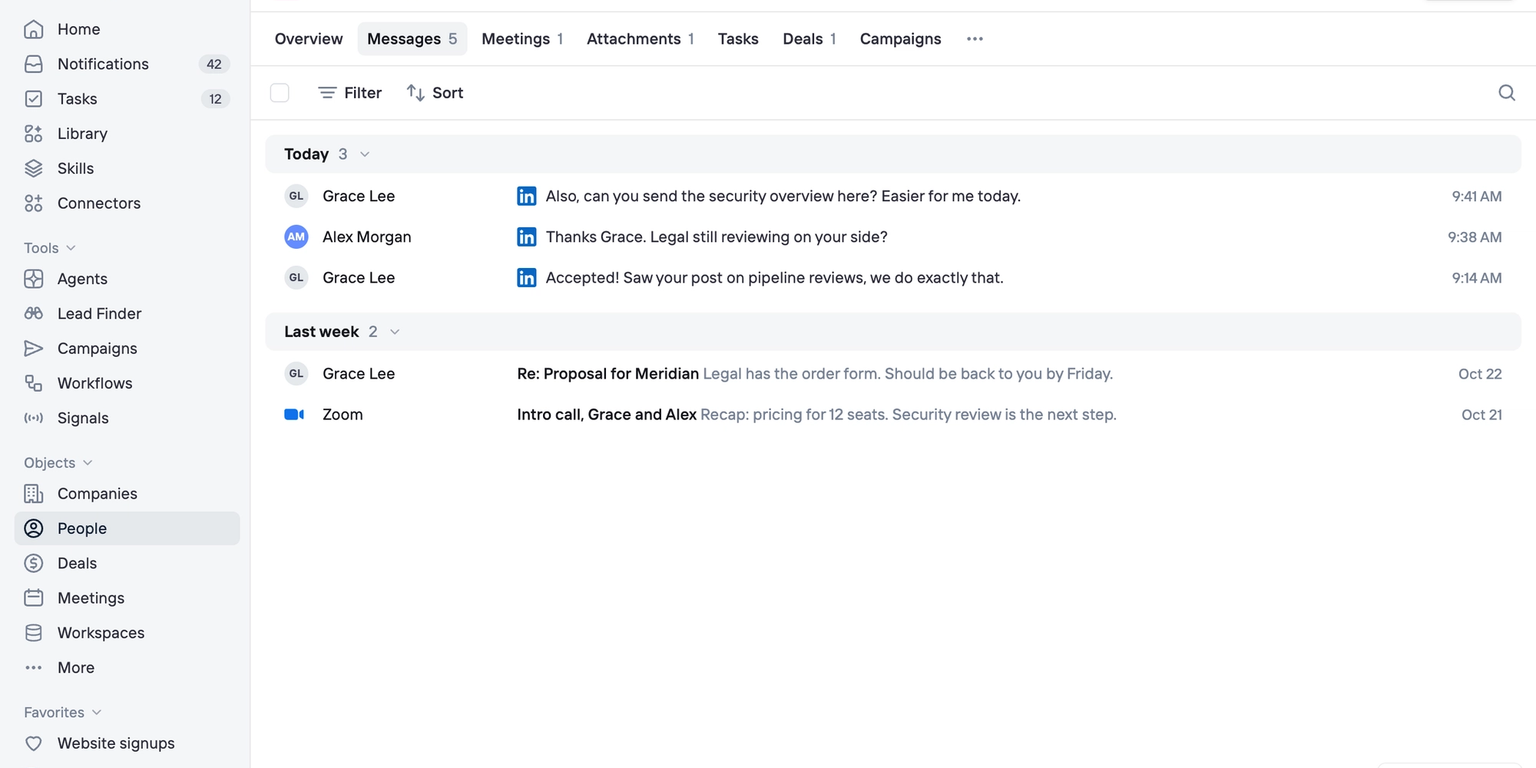
A lot of selling happens on LinkedIn. Now, those conversations can live in your CRM alongside emails, meetings, and deals.
You can connect your LinkedIn account to Clarify to keep conversations organized, reply to messages, and add LinkedIn steps to your campaigns.
LinkedIn messages in your CRM
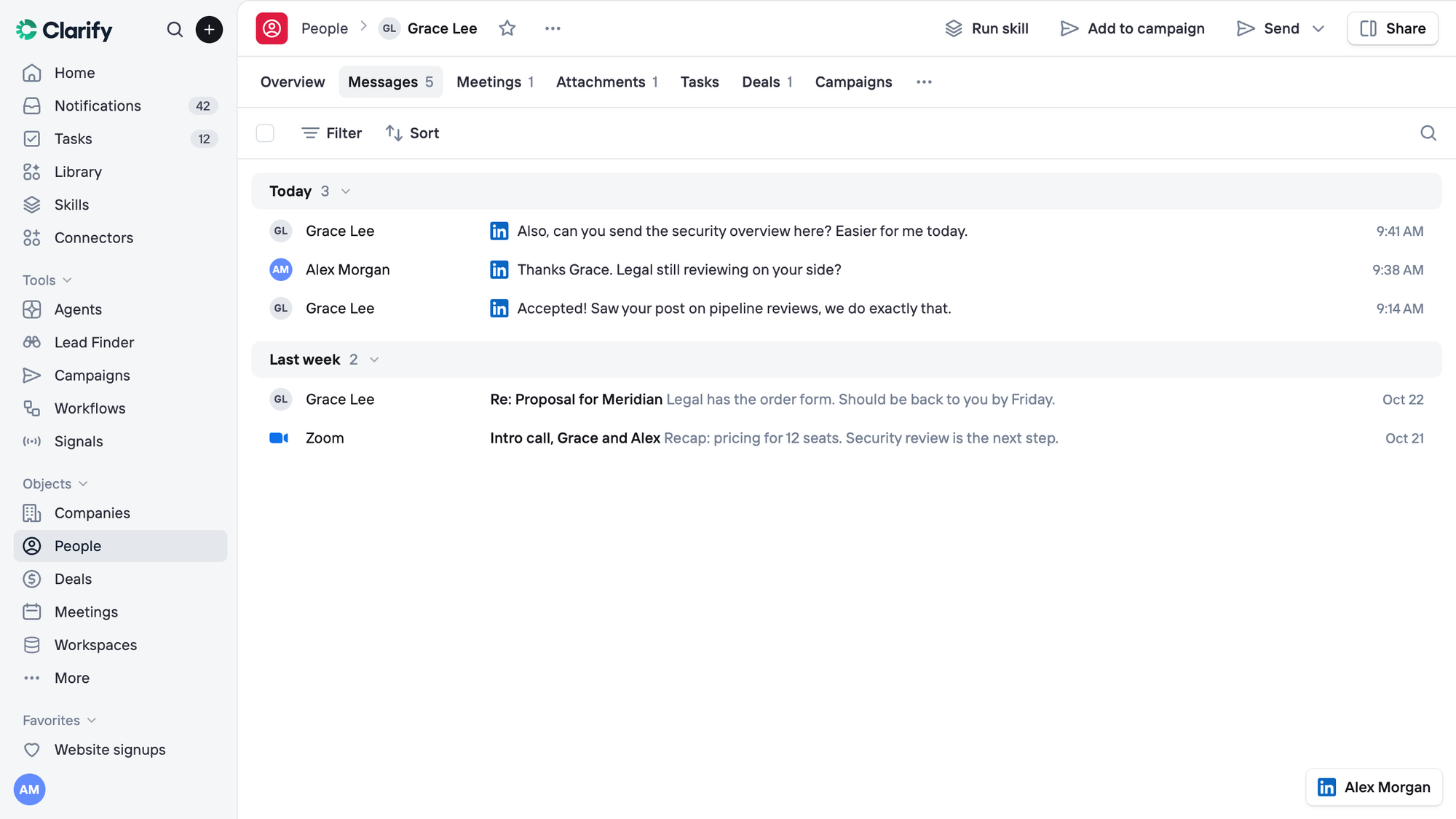
Sync LinkedIn conversations directly to the right contact records, alongside emails and meetings.
Choose to sync all conversations, only people already in Clarify, or only people you’ve contacted.
Messages are visible only to you. Teammates can see that a conversation exists, but not its contents.
Reply directly from Clarify
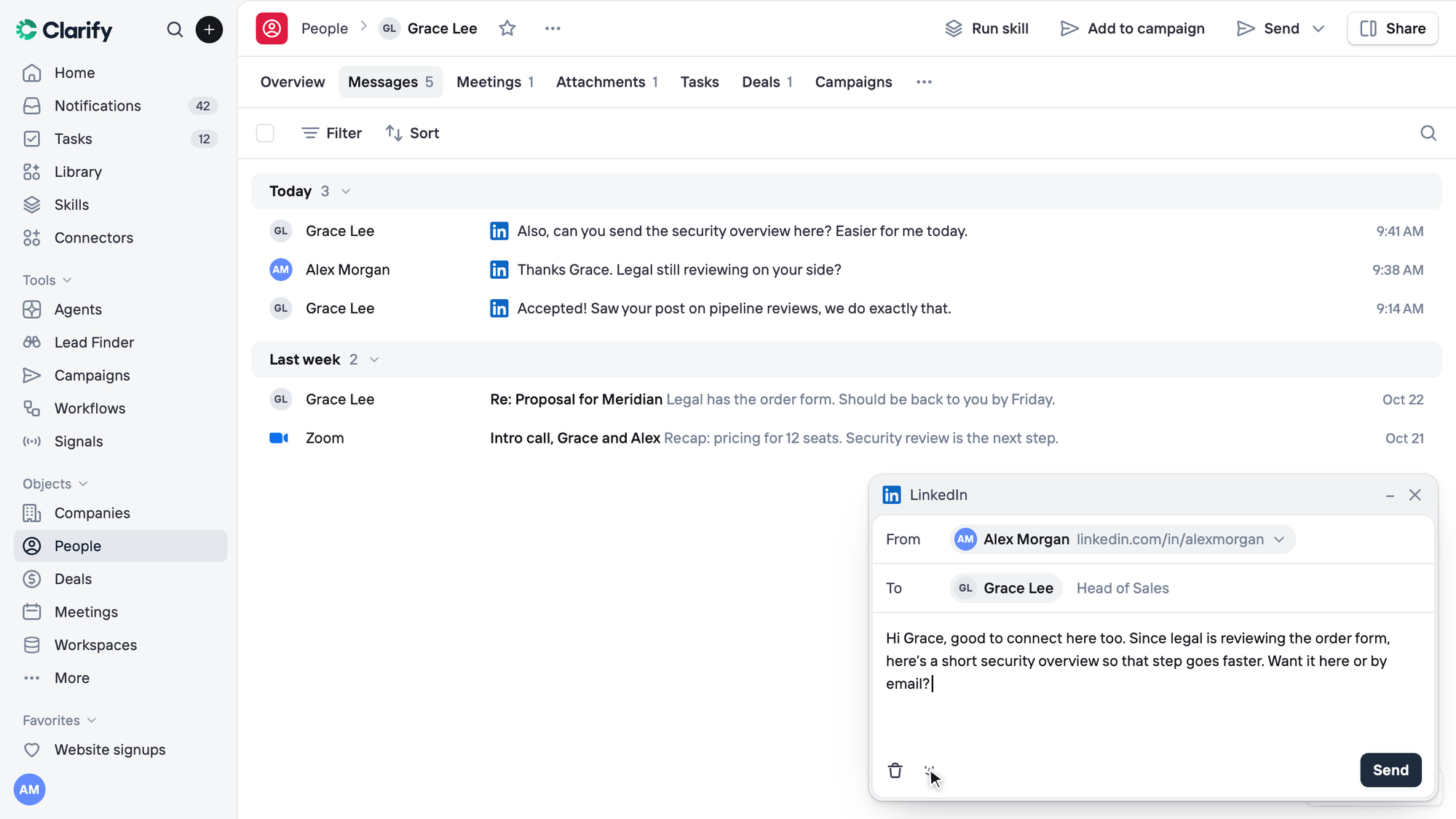
Send and reply to LinkedIn messages without leaving Clarify.
You can also ask Rep to draft a response using the context it already has about the person, your previous conversations, and the deal.
Rep drafts. You send.
Add LinkedIn steps to campaigns
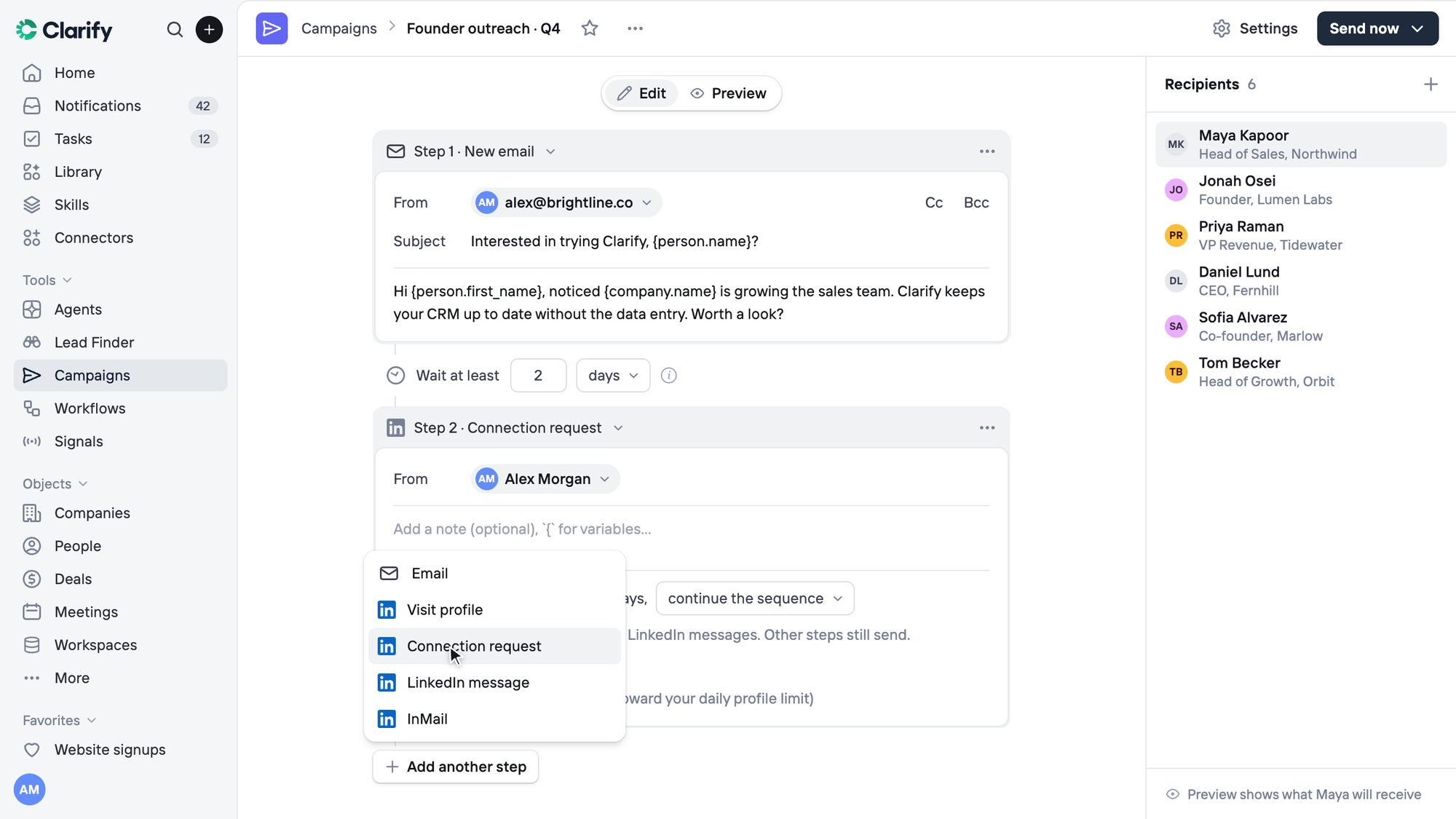
You can now include LinkedIn touchpoints alongside email in your campaigns.
Supported steps include:
- Profile visits
- Connection requests
- Messages
- InMail
You can also configure campaigns to wait for a connection request to be accepted before continuing.
Your account, your preferences
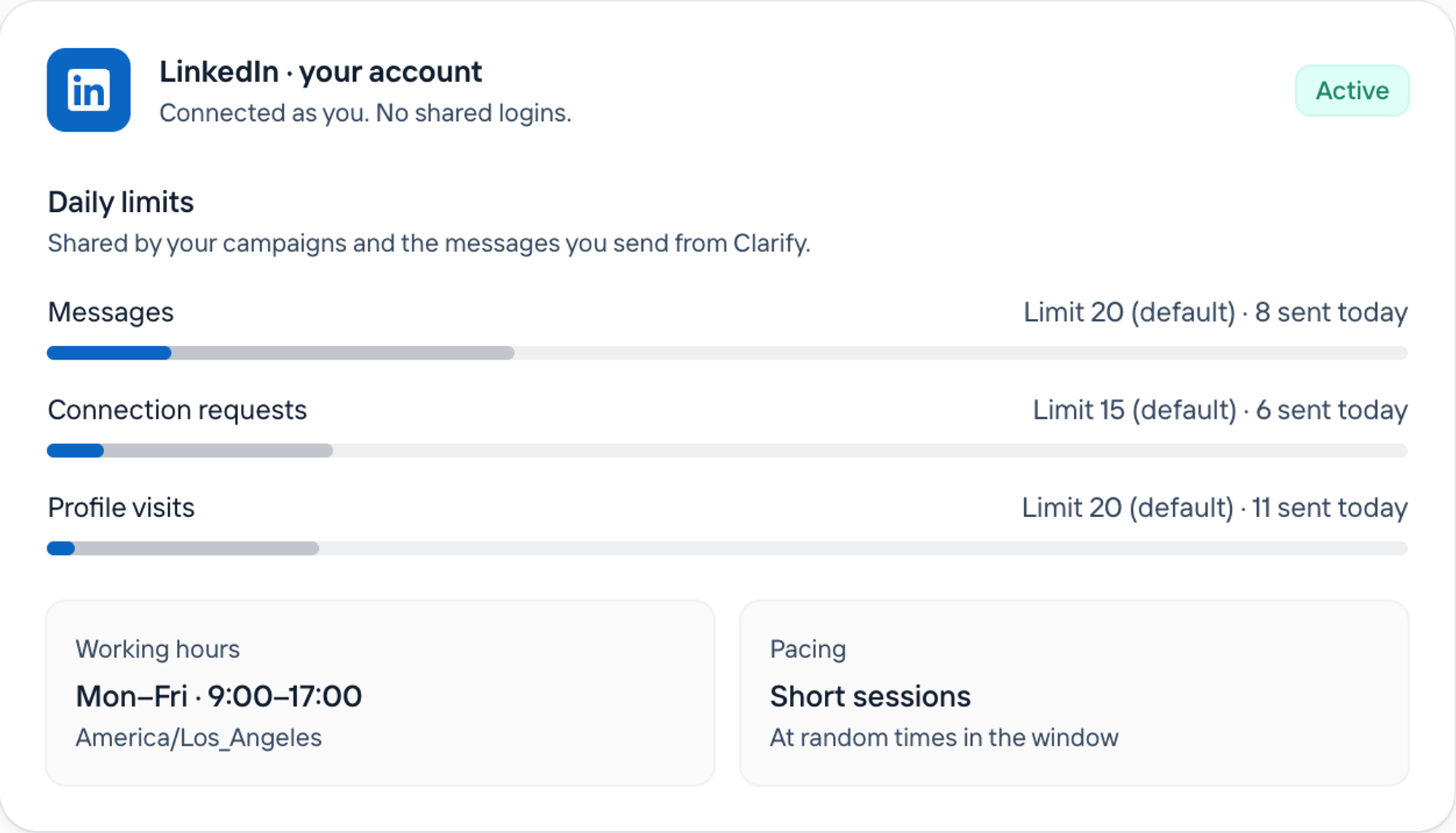
Campaigns send from your own LinkedIn account, during the working hours and daily limits you configure.
Clarify pauses sending if LinkedIn refuses requests.
Getting started
Available on paid Clarify plans, with a 14-day trial for new users. Learn more.
Connecting your account requires the Clarify Chrome extension. InMail steps require available Premium, Sales Navigator, or Recruiter credits.
Keep Reading
How to use Notion as a CRM: Use cases and tips
Predictive lead scoring: How AI ranks and prioritizes leads
Product-led vs sales-led growth: identifying your sales motion
Clarify vs Attio: Which AI CRM is right for you?
Salesforce vs Attio: Which CRM is right for your team?
Revenue operations: Key tasks, problems, metrics, and tools
The Rise and Fall of Solution-First Thinking: Why Great Founders Obsess Over Problems, Not Products
The top 13 HubSpot alternatives for small business founders
The best sales engagement platforms: Pros, cons, and features