Close deals from anywhere

Clarify is the full-stack AI CRM for fast-moving GTM teams. The mobile app puts Rep, your AI teammate, in your pocket.
Open App Store
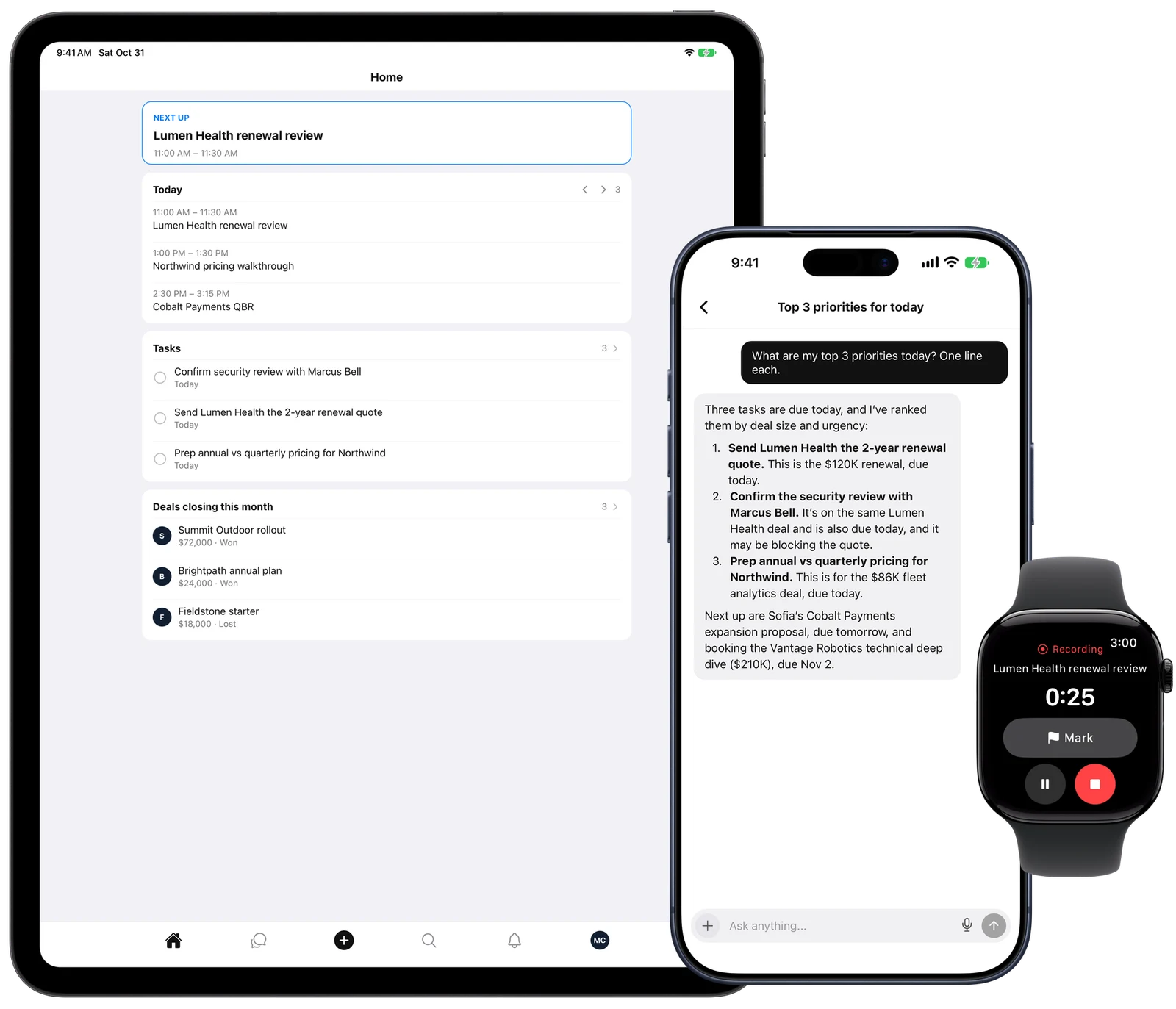
Clarify on iPad, iPhone, and Apple Watch
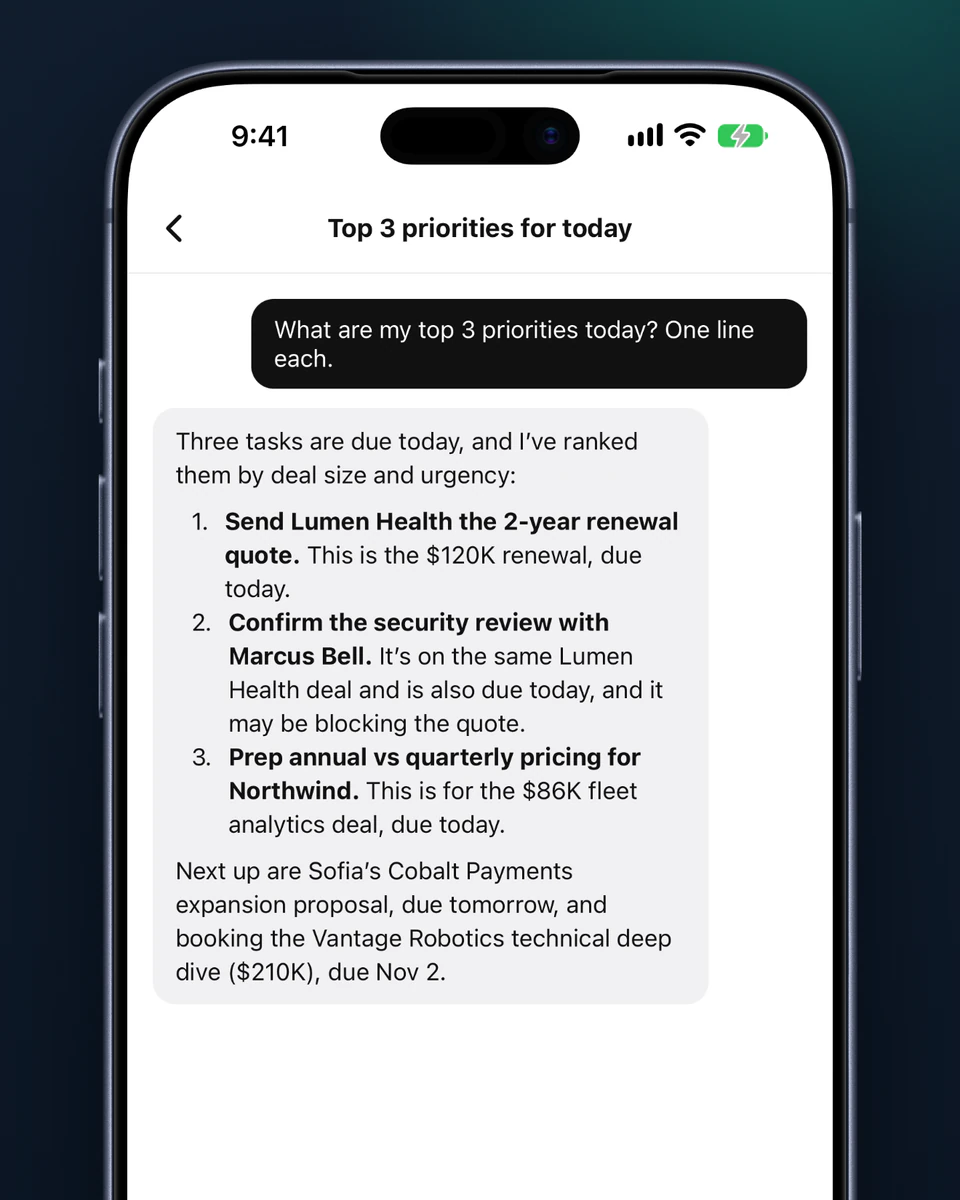
  • Rep ranking today’s top three priorities on iPhone

    Ask Rep anything

    Prep your next call, find deals that went quiet, or draft the follow-up. Type it or say it, and approve every change.
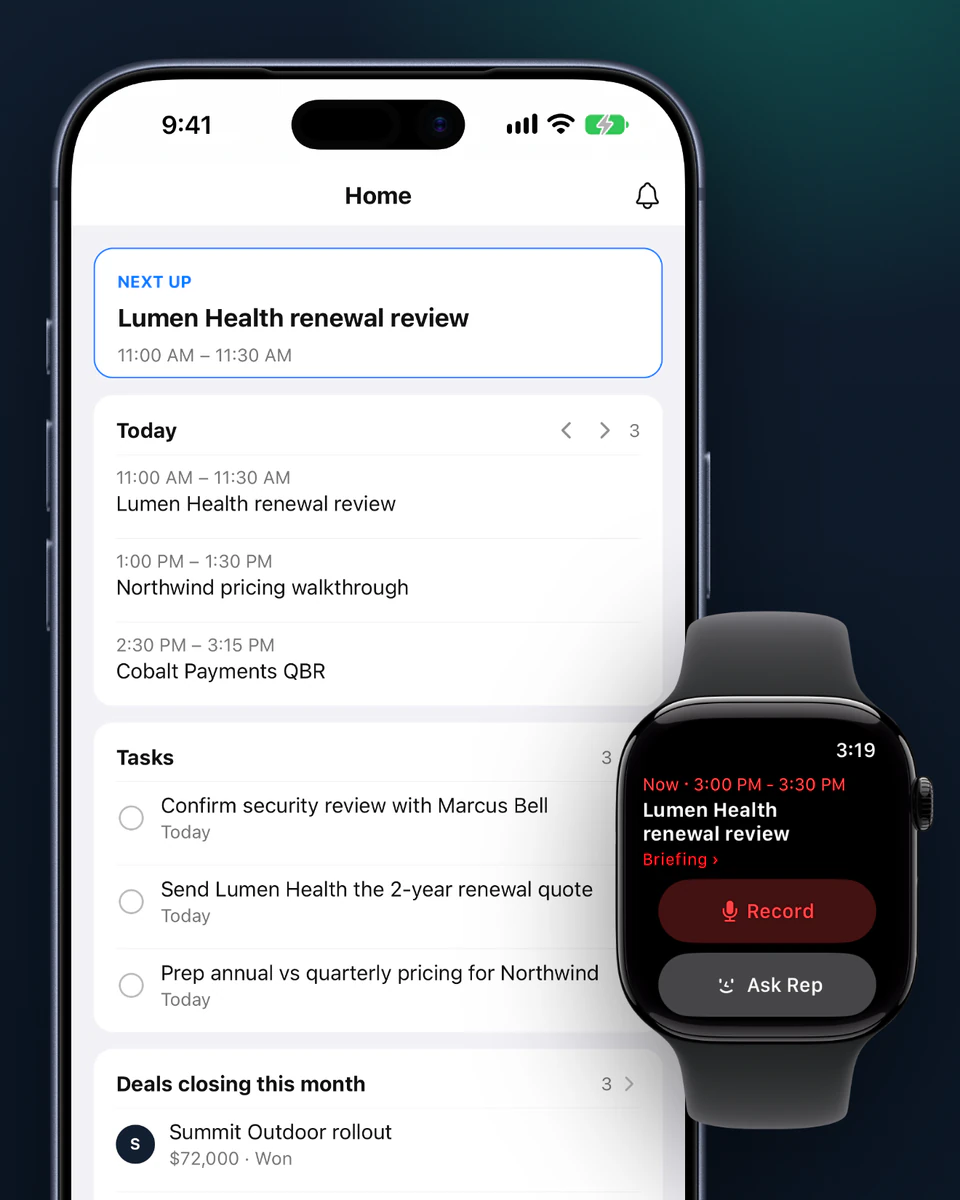
  • Home on iPhone with today’s meetings, tasks, and deals, next to Apple Watch

    Your day on one screen

    Today’s meetings, open tasks, and the deals that need you, with every person, company, and deal a tap away.
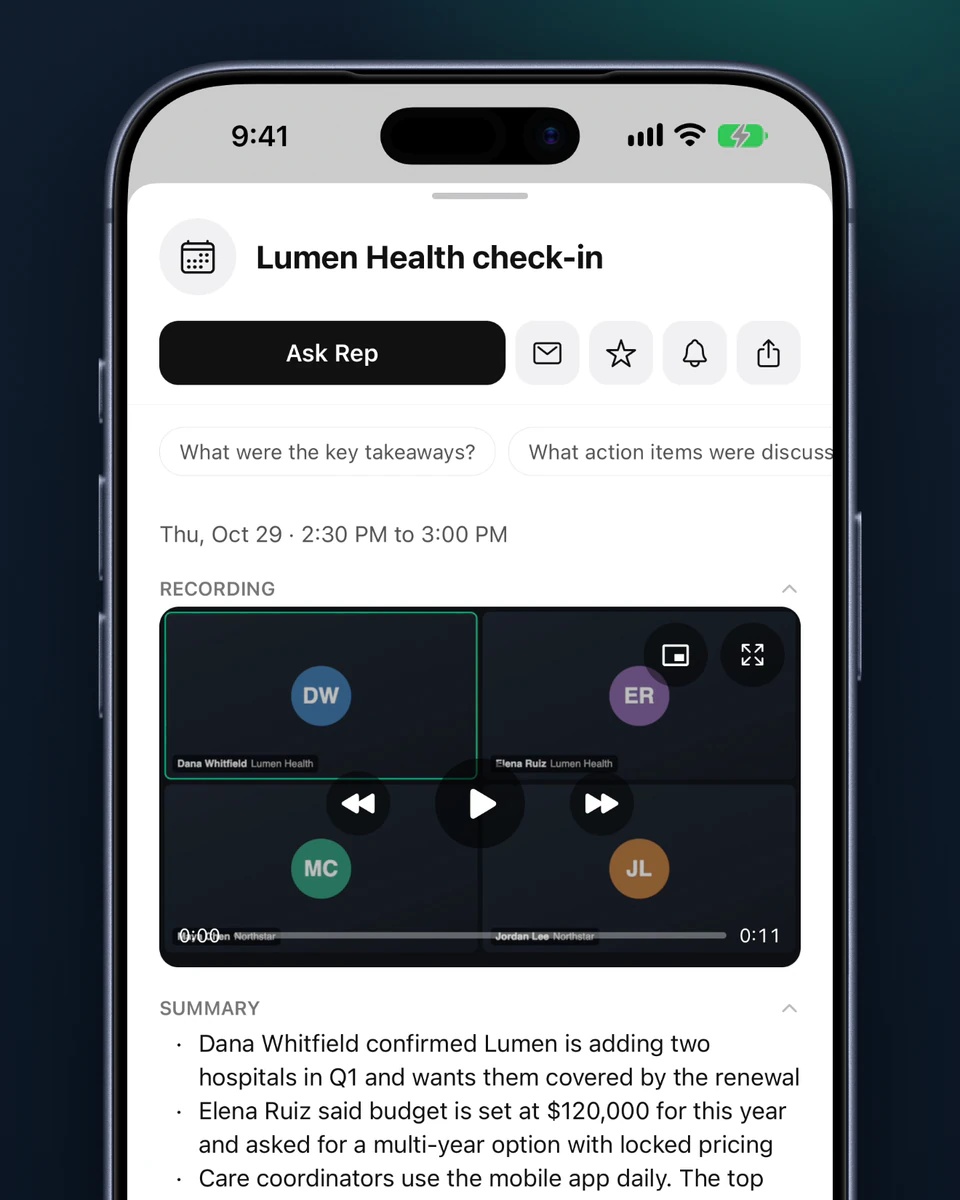
  • A meeting summary with action items on iPhone

    Meetings, handled

    Record in person from your iPhone or Watch. Clarify writes the summary and updates your CRM, with no bot in the room.
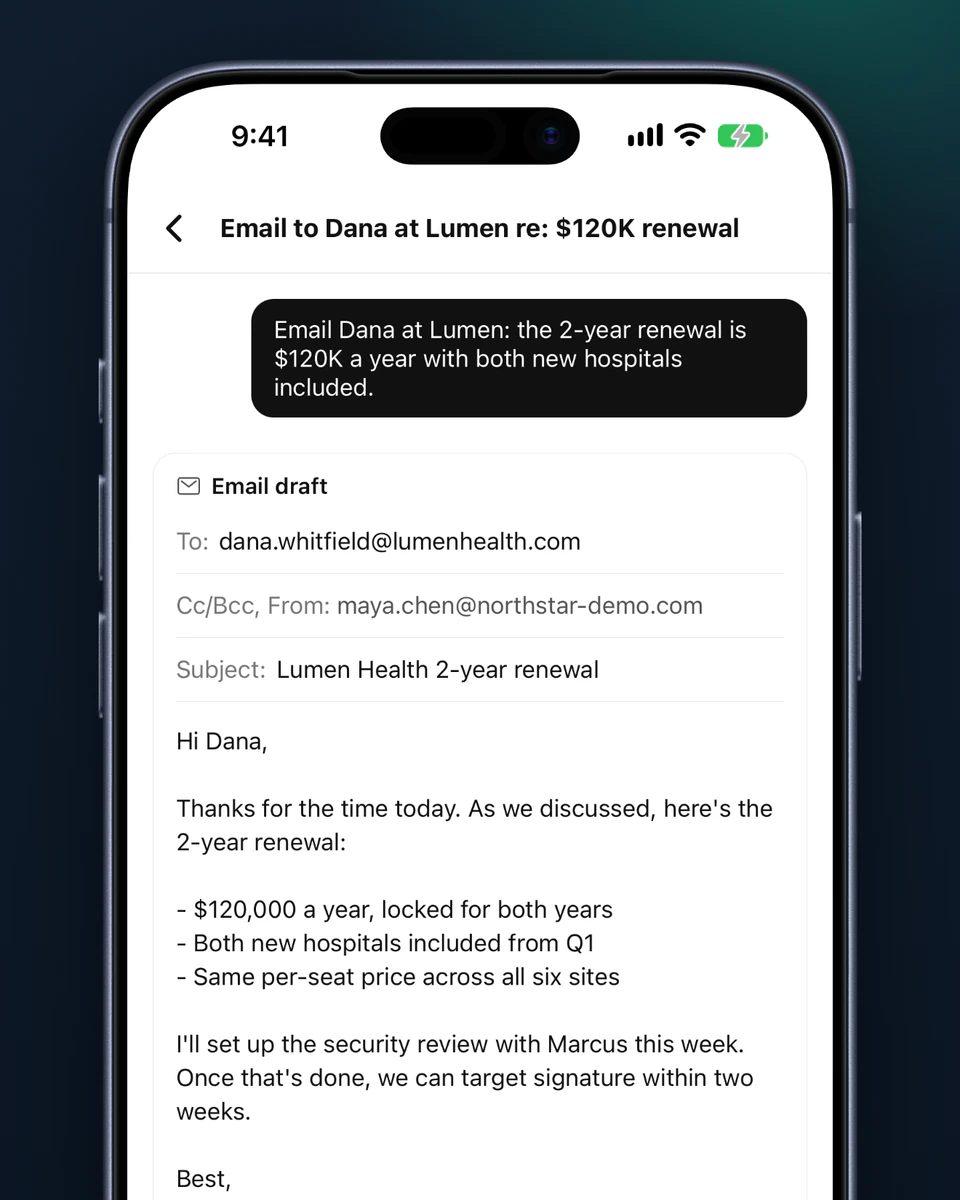
  • Rep drafting a follow-up email on iPhone

    Email from your inbox

    Write and send from your own inbox without switching apps, or have Rep draft the follow-up for you to approve.
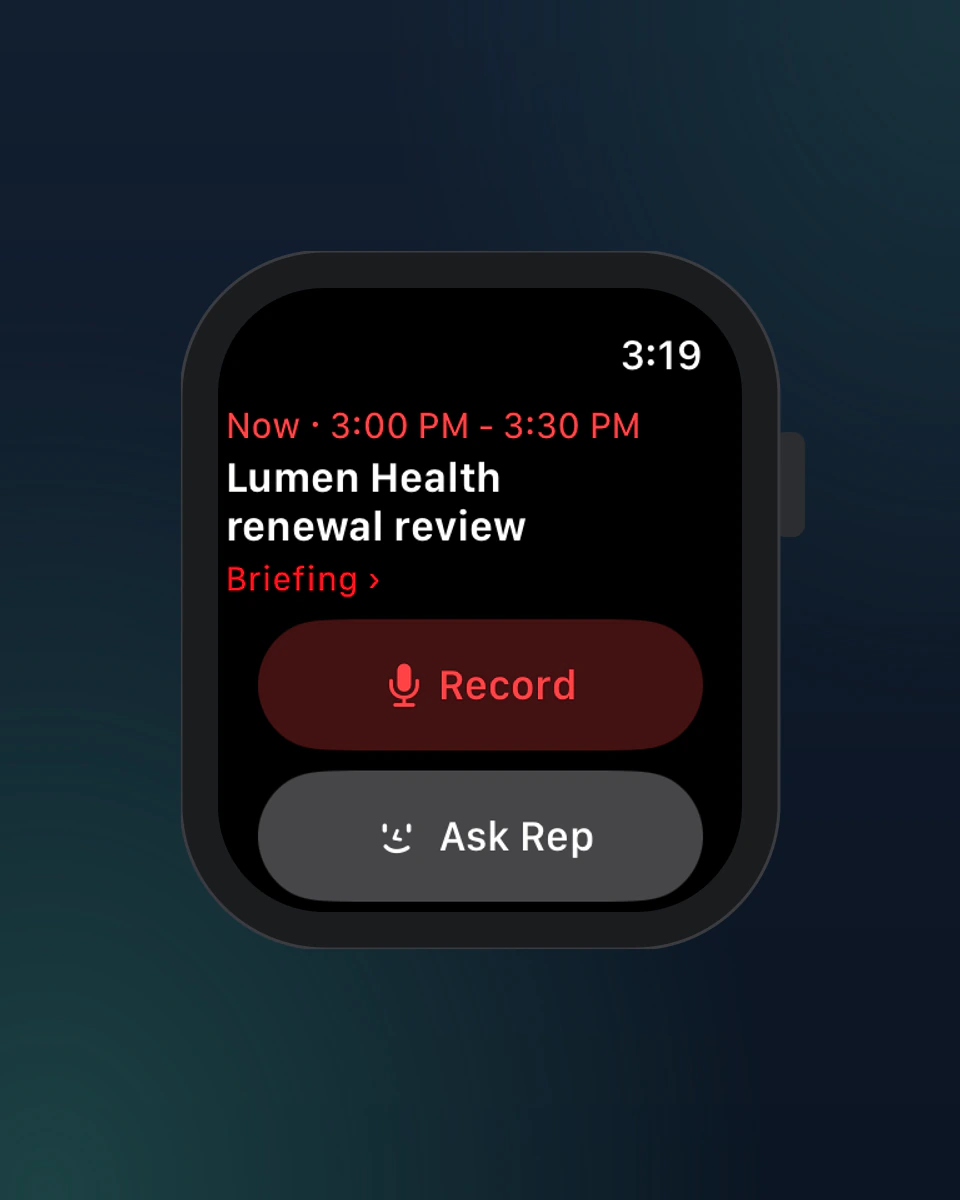
  • Clarify on Apple Watch: the next meeting with Record and Ask Rep

    Apple Watch

    See your next meeting with an AI briefing, start a recording from your wrist, and ask Rep by voice to hear the answer.
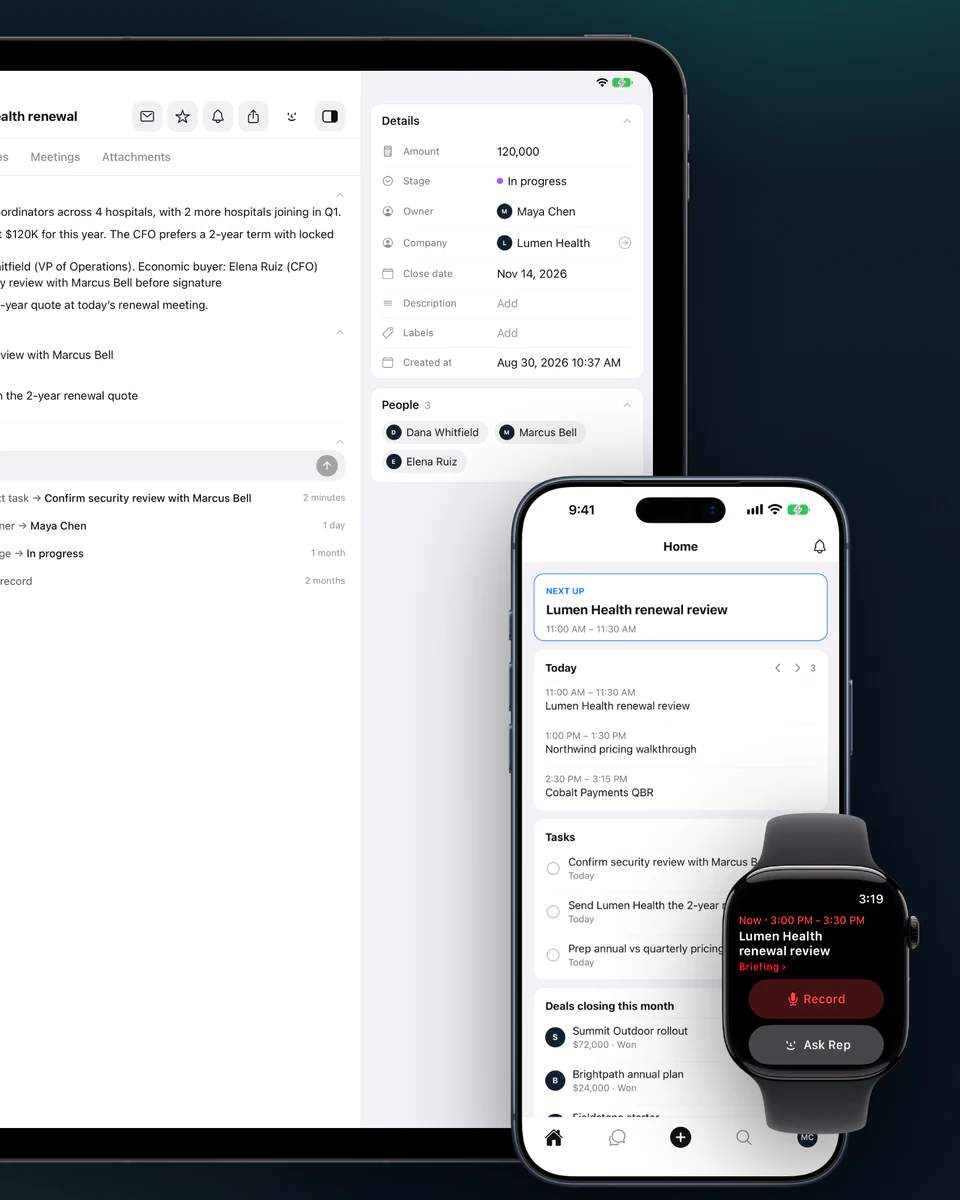
  • Clarify on iPad, iPhone, and Apple Watch

    Built for iPhone and iPad

    Home Screen widgets, Siri shortcuts, push notifications, and a full iPad layout with Split View for side-by-side work.

Frequently asked questions

Yes. Clarify CRM is free on the App Store for iPhone, iPad, and Apple Watch, and you sign in with your Clarify account. It needs iOS or iPadOS 16.4 or later, or watchOS 10 or later on Apple Watch. Read the mobile app guide.

No. When Rep wants to change something, it shows you a card first, and nothing happens until you approve it.

Yes. Dictate in the chat, ask out loud from your Apple Watch, or say “Ask Clarify” to Siri.

Tap Record on your iPhone or Apple Watch. There’s no bot and nothing to set up, and you can lock your phone while it runs. When you stop, Clarify transcribes the meeting and writes the summary.

The recording saves to your phone and uploads the next time you open Clarify with a connection.

Not to record. The recording sends once your iPhone is back in range. Asking Rep does need your iPhone nearby.

Not yet, but it’s coming soon. Join the waitlist on this page and we’ll email you when it’s ready.

Let‘s close

Start for free