
Before we dive in, I wanted to flag that Ondrej and I are hosting a live demo of Clarify tomorrow. We’ll also take any questions you have about Clarify at the end.
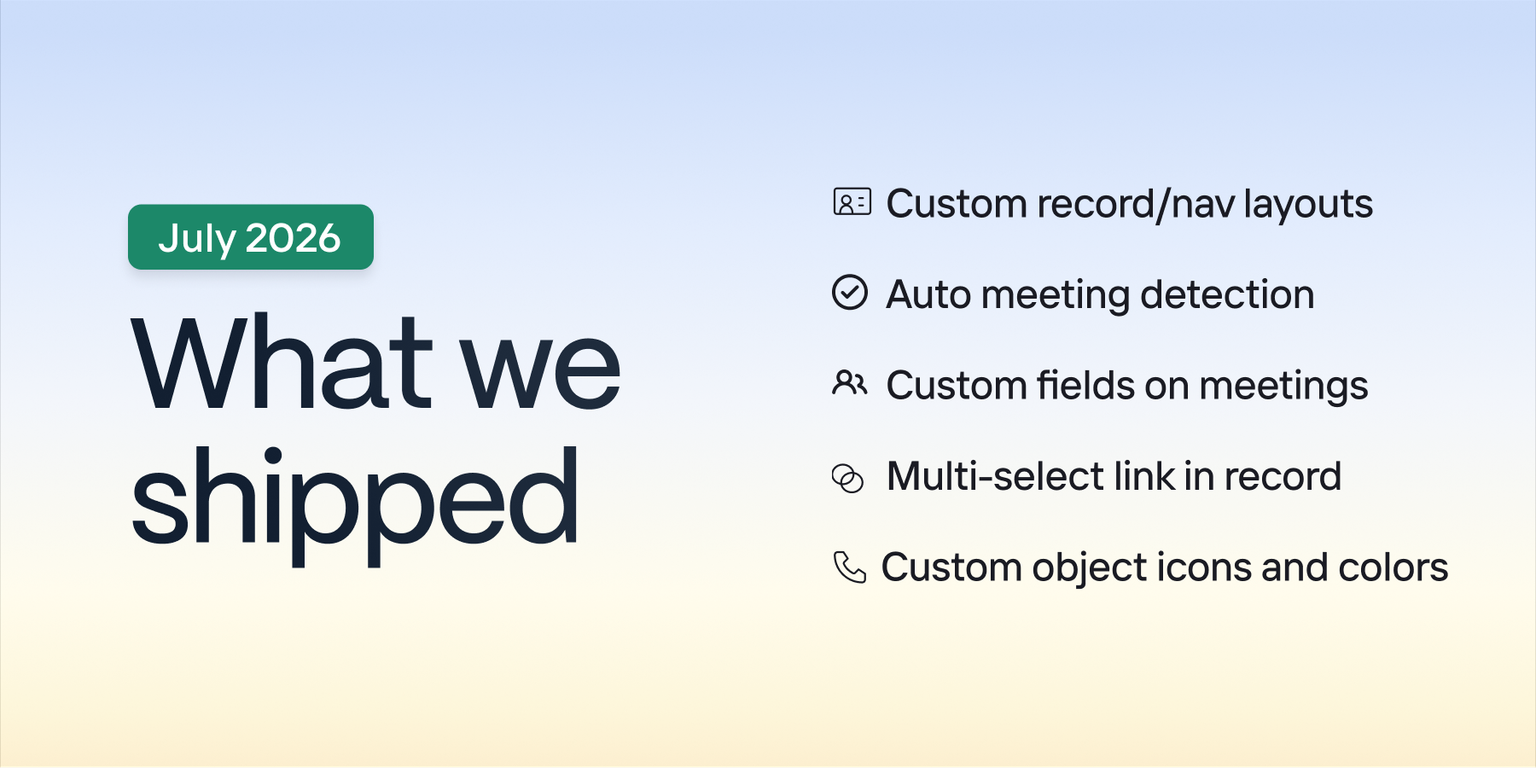
July was about giving you control over how Clarify looks and works for you. Custom record page layouts hit GA. Clarify now detects and records meetings automatically. Meetings got custom fields. The Link a Record dialog got multi-select. And custom objects finally got their own icon and color.
🚢 Shipped
Custom record page and navigation layouts
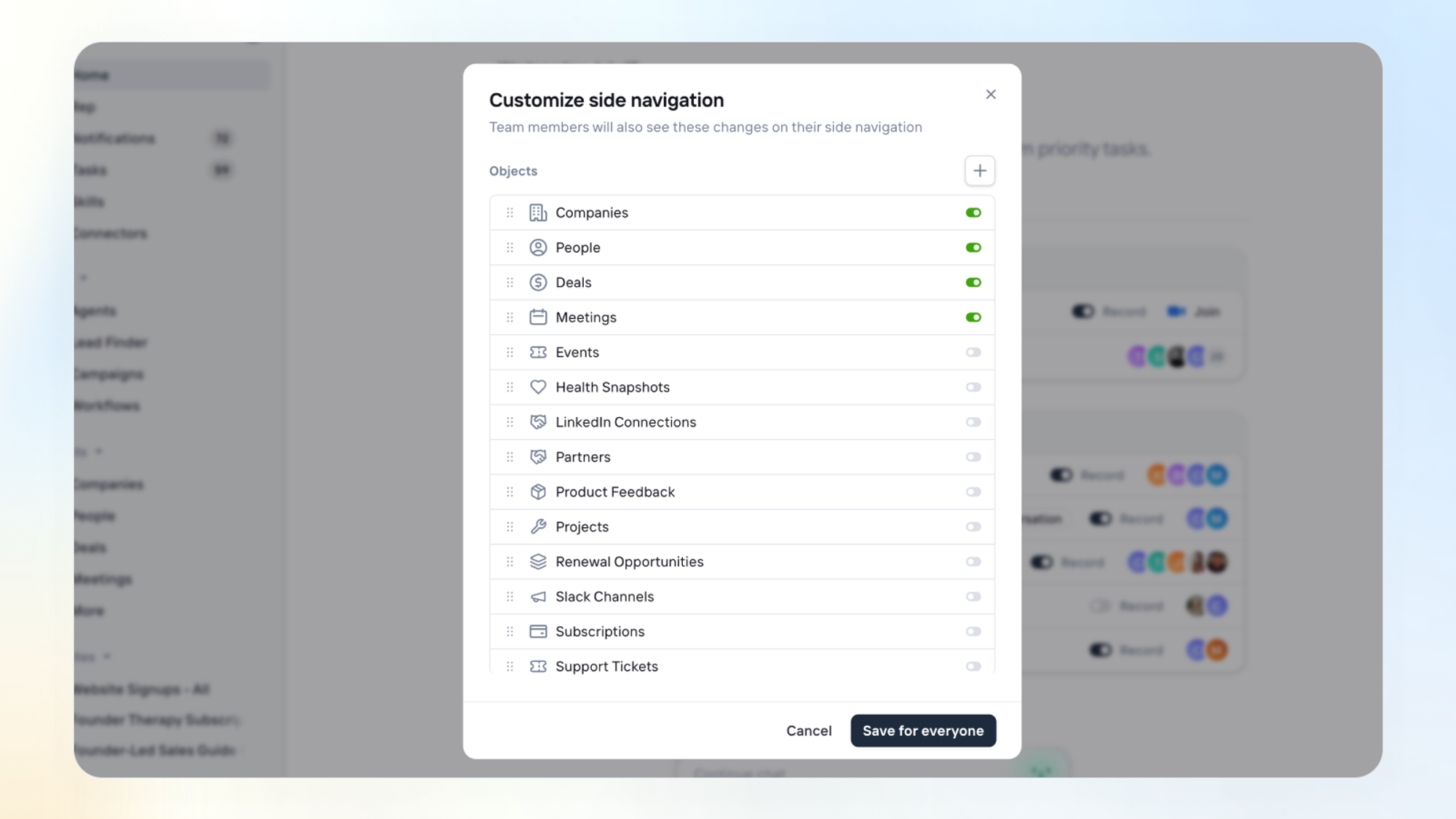
Admins can now customize which fields, tabs, and panels show up on every record type, and where objects sit in the nav. Rep understands layouts too - ask it to add a tab, and it just does it.
Automatic meeting detection & recording
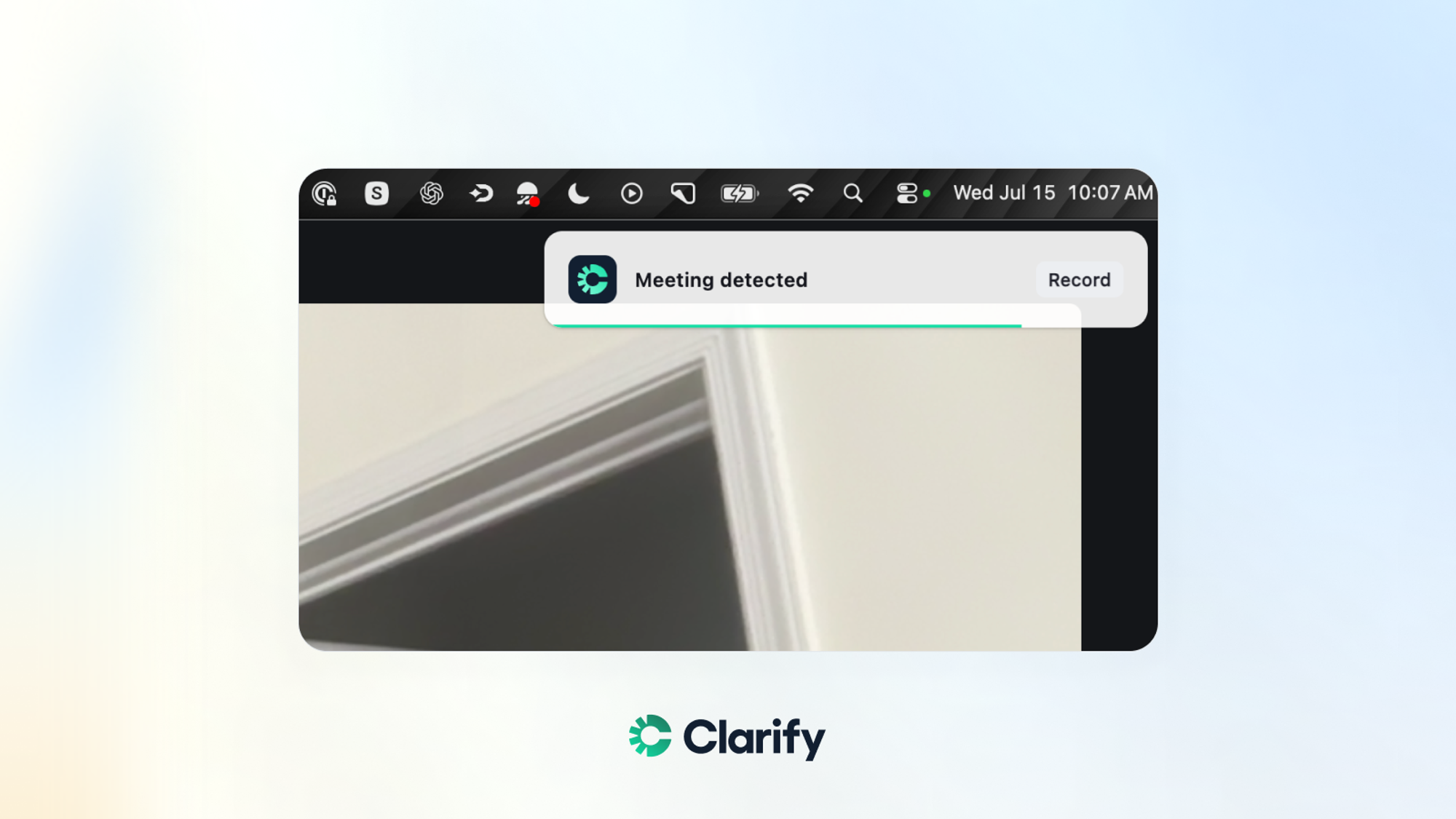
Join a call and Clarify detects it via the MacOS app, offers to record, and matches it to the right calendar event automatically. Nothing to remember.
Custom fields on meetings
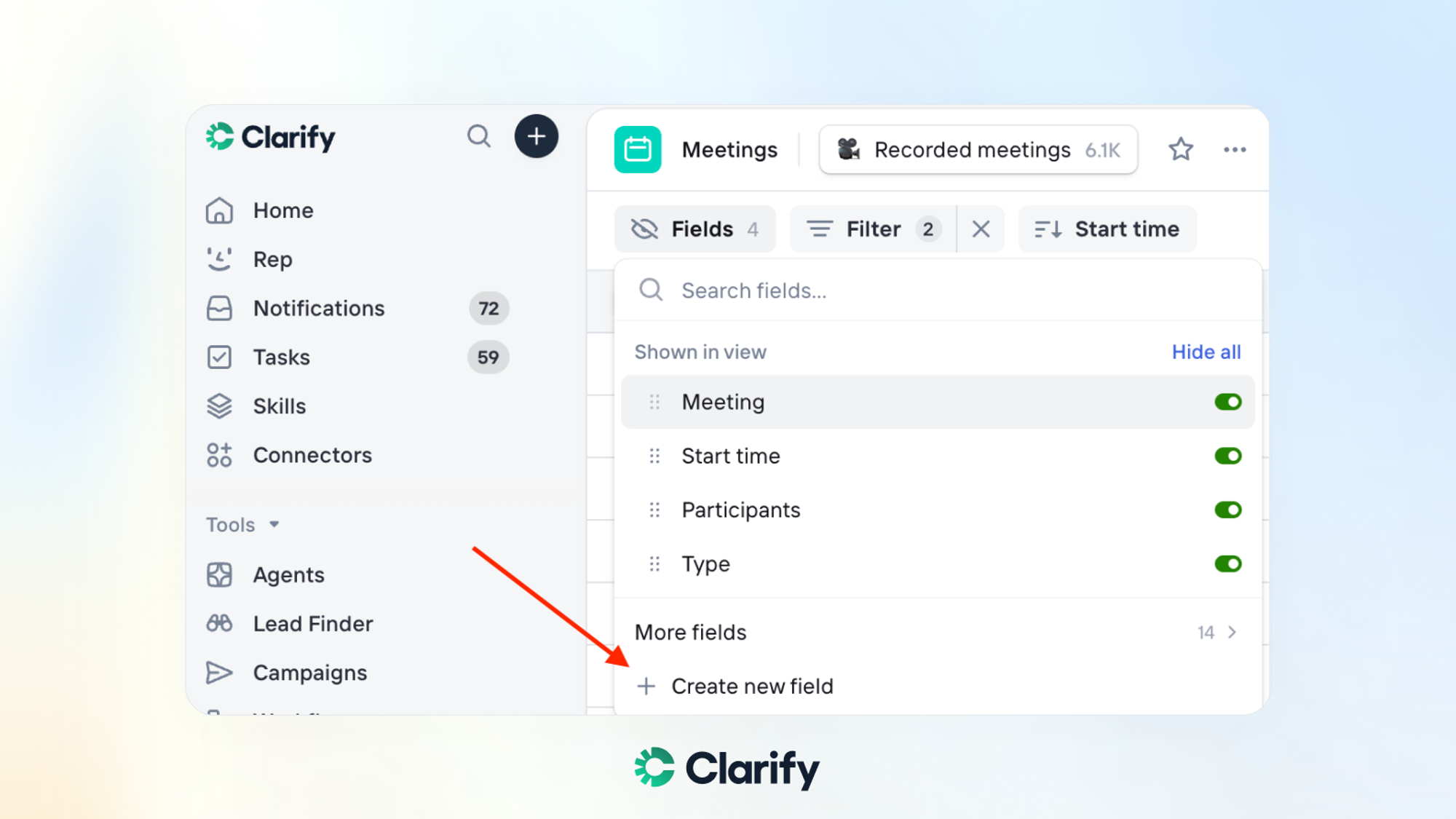
You asked for it and it’s finally here. Meetings now support custom and relationship fields, the same as Companies, People, and Deals.
Multi-Select in link a record
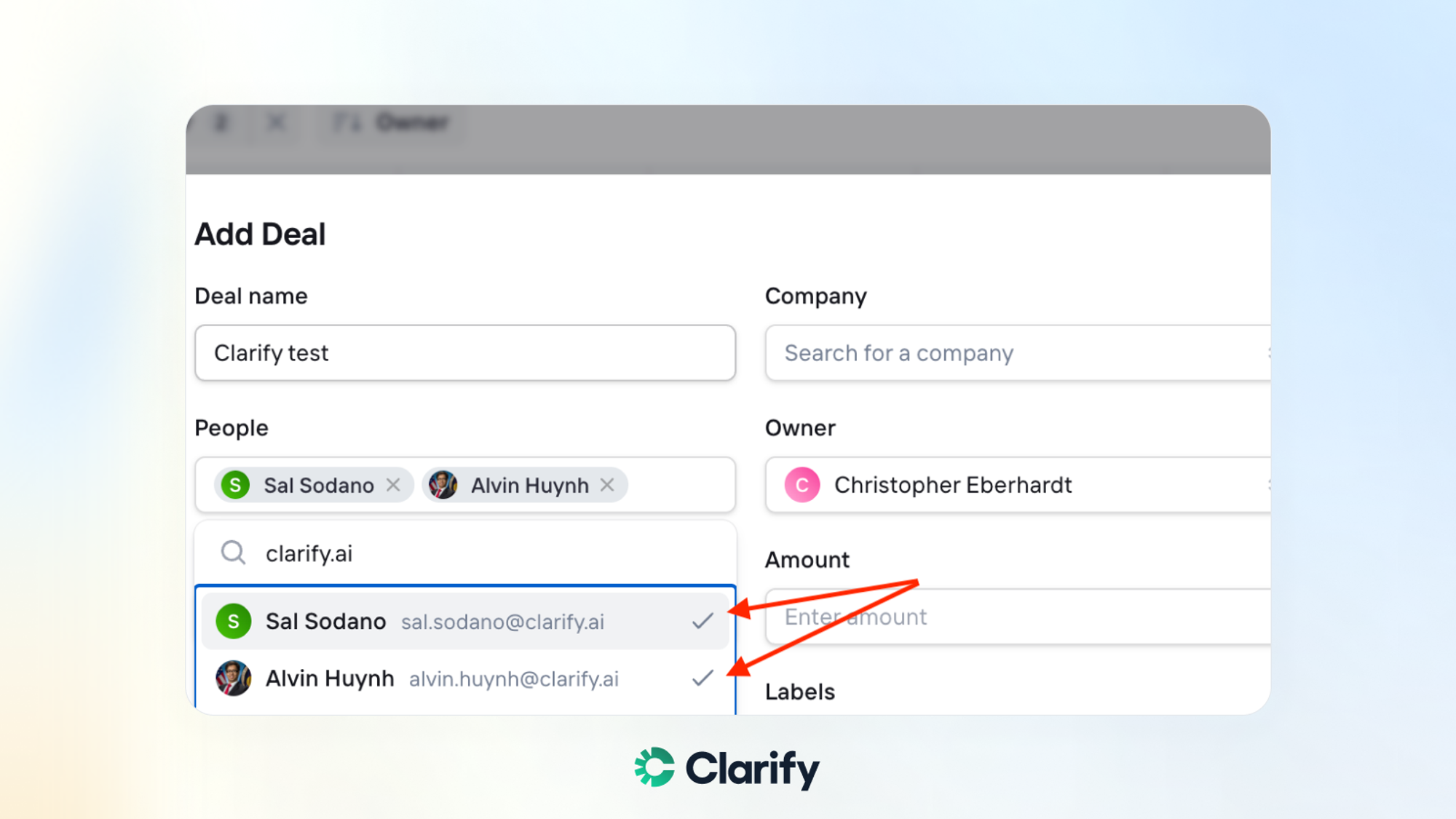
Toggle several people or deals at once in the Link a Record dialog — they all link together in one action instead of one at a time.
Custom Object icons & colors
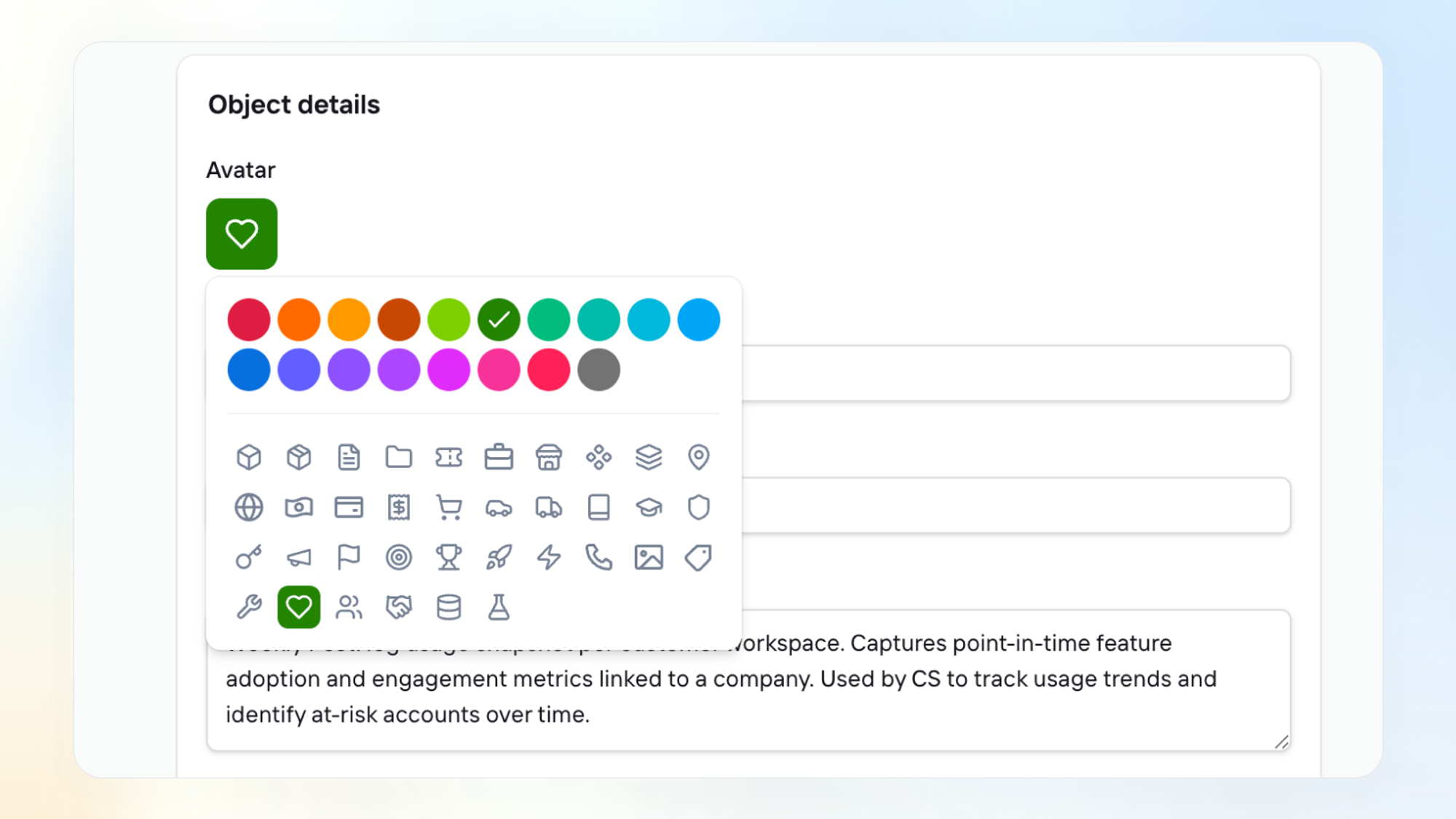
Give any custom object its own avatar and color so they are easy to distinguish. Shows up everywhere — search, nav, activity feed, etc.
🏗️ Coming soon
🚦 Conditional Required Fields — Require a Loss Reason only when a deal hits Lost. In alpha now, GA soon.
📝 Forms — Soon, you can use Clarify forms so that any submissions go right into your CRM.
📅 Meeting Scheduler — We’re adding a native meeting scheduler to Clarify.
Really excited about the flexibility we’ve added this month, and we have some big news coming out next week.